
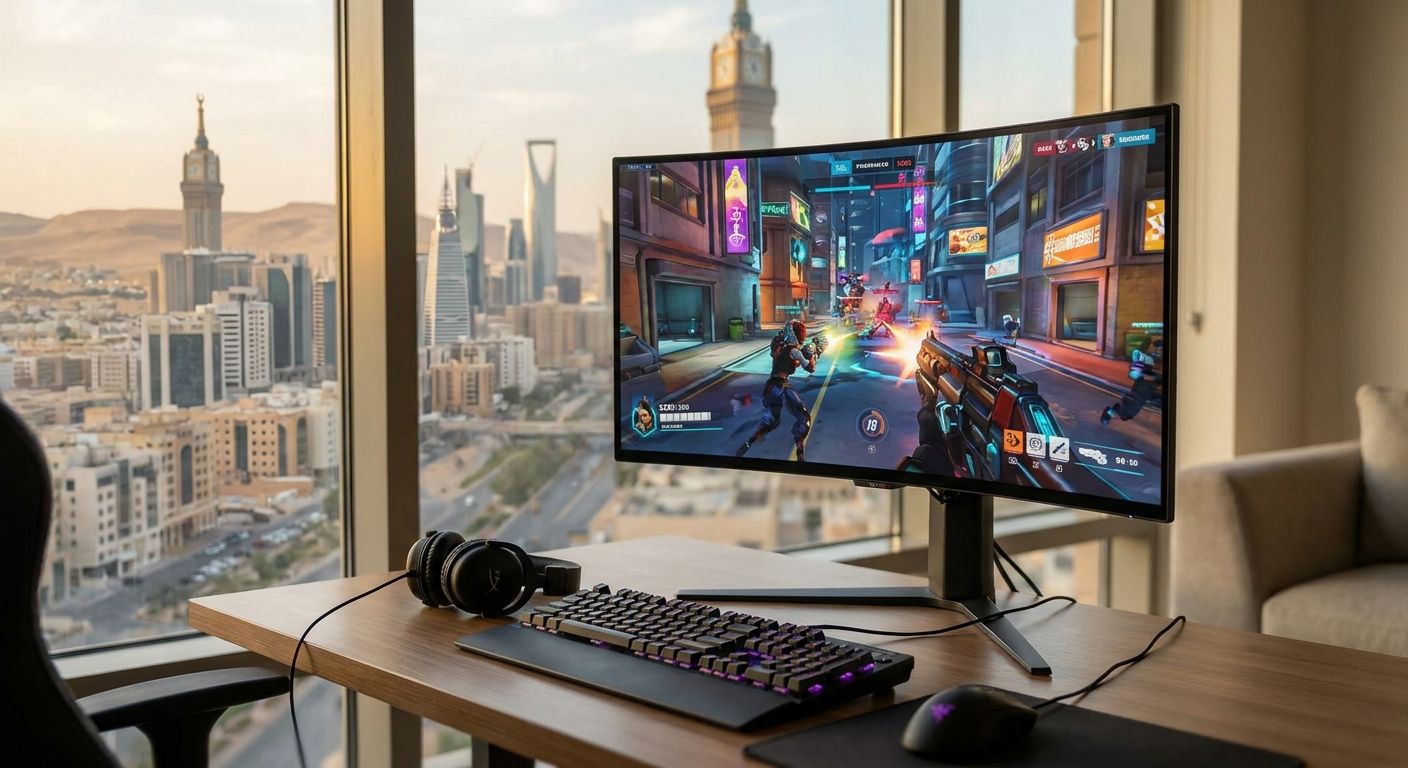
The best OLED gaming monitor for most gamers in Saudi Arabia in 2026 is the LG 27GR95QE-B, with the Samsung Odyssey OLED G8 (G80SD) topping the list for 4K gaming, the ASUS ROG Swift PG27AQDM winning on color accuracy, the Alienware AW3423DWF leading ultrawide immersion, and the MSI MPG 321URX QD-OLED as the most accessible 4K OLED pick.
- LG 27GR95QE-B wins overall for competitive esports with 240Hz and 0.03ms response time.
- Samsung Odyssey OLED G8 (G80SD) is the pick for 4K gaming at 240Hz on a QD-OLED panel.
- ASUS ROG Swift PG27AQDM leads on color accuracy for streamers and editors who also game.
- Alienware AW3423DWF's 34-inch curved QD-OLED panel gives the strongest ultrawide immersion in 2026.
- MSI MPG 321URX QD-OLED matches 4K/240Hz specs without the smart TV extras.
Why this matters
An OLED gaming monitor lights each pixel individually, so blacks go fully dark instead of glowing gray the way LCD and IPS panels do under backlight bleed. That per-pixel control is what makes fast-moving scenes in 2026's shooters and open-world titles look sharper without motion trails.
The catch: an OLED panel is only as good as the GPU feeding it. A 240Hz OLED paired with a GPU that can't feed it is just an expensive way to render frames nobody sees, which is why picking the right monitor also means checking what's driving it. Gamerzone stocks the gaming PCs and components built to push these panels, and pairing decisions matter as much as the monitor spec sheet itself.
“A 240Hz OLED paired with a GPU that can't feed it is just an expensive way to render frames nobody sees.”
What makes the best OLED gaming monitor
- Panel type - WOLED (LG) and QD-OLED (Samsung, ASUS, MSI, Alienware) differ on peak brightness and color volume.
- Refresh rate and response time - 240Hz with near-instant pixel response cuts motion blur in fast titles.
- Resolution matched to GPU horsepower - 4K OLED at 240Hz needs an RTX 5070 Ti or RTX 5090-class card to sustain frame rates.
- Burn-in protection - pixel shift, logo dimming, and static-element detection reduce long-term image retention risk.
- Port bandwidth - HDMI 2.1 and DisplayPort are required to push 4K at 240Hz without compression.
- Panel coating - glossy coatings boost contrast in dark rooms; matte coatings cut glare in bright ones.
OLED gaming monitors in Saudi Arabia at a glance
| Monitor | Best for | Standout feature | Key limitation |
|---|---|---|---|
| LG 27GR95QE-B | Competitive esports | 240Hz WOLED, 0.03ms response | Glossy coating shows reflections |
| Samsung Odyssey OLED G8 (G80SD) | 4K gaming | 32-inch 4K QD-OLED at 240Hz | Needs a top-tier GPU to hit max refresh |
| ASUS ROG Swift PG27AQDM | Color-accurate work | Uniform brightness, wide color gamut | 27-inch panel limits screen real estate |
| Alienware AW3423DWF | Ultrawide immersion | 34-inch curved QD-OLED, 3440x1440 | 165Hz trails the 240Hz panels here |
| MSI MPG 321URX QD-OLED | Accessible 4K OLED | 4K/240Hz spec without smart TV extras | Fewer software features than Samsung |
1. LG 27GR95QE-B: best OLED gaming monitor for competitive esports
The 27GR95QE-B runs a 27-inch WOLED panel at 2560x1440 with a 240Hz refresh rate and 0.03ms gray-to-gray response. That combination is built for fast shooters and fighting games where motion clarity decides rounds, not resolution.
LG 27GR95QE-B pros:
- 240Hz refresh keeps pace with high frame-rate esports titles
- 0.03ms response virtually removes motion blur
- WOLED delivers per-pixel black levels LCD panels can't match
LG 27GR95QE-B cons:
- Glossy coating reflects light in bright rooms
- QHD resolution sits below the 4K panels on this list
- Text fringing can show on desktop icons and fine UI text
Best for: competitive esports players who rate motion clarity over pixel density. Verdict: Buy.
2. Samsung Odyssey OLED G8 (G80SD): best OLED gaming monitor for 4K gaming
The G80SD packs a 32-inch QD-OLED panel at 3840x2160 with a 240Hz refresh rate, a combination that was rare on gaming monitors before 2026. Smart TV apps are built in for use outside gaming.
Samsung Odyssey OLED G8 pros:
- 4K resolution at 240Hz, a spec pairing few panels match
- QD-OLED color volume outperforms WOLED in bright HDR scenes
- Built-in smart apps for non-gaming use
Samsung Odyssey OLED G8 cons:
- Needs an RTX 5070 Ti or RTX 5090-class GPU to sustain 240Hz at native 4K
- 32-inch panel demands more desk depth than most setups have
Best for: gamers running high-end GPUs who want 4K without dropping refresh rate. Check what Gamerzone's 4K gaming PC builds can actually push before buying this panel. Verdict: Buy.
3. ASUS ROG Swift PG27AQDM: best OLED gaming monitor for color-accurate work
This 27-inch QD-OLED panel runs QHD at 240Hz with wide color gamut coverage and even brightness across the panel, with no dimming in the corners the way some OLEDs show.
ASUS ROG Swift PG27AQDM pros:
- Wide color gamut suits creators who edit and game on the same screen
- Uniform brightness with no corner dimming
- 240Hz keeps competitive performance intact
ASUS ROG Swift PG27AQDM cons:
- 27-inch size limits multitasking real estate
- QHD resolution, not 4K, for anyone chasing pixel density
Best for: streamers and editors who split time between color-sensitive work and gaming. Verdict: Buy.
4. Alienware AW3423DWF: best OLED gaming monitor for ultrawide immersion
The AW3423DWF is a 34-inch curved QD-OLED panel at 3440x1440 with a 165Hz refresh rate. The curve and width wrap peripheral vision into open-world and flight titles in a way flat panels don't.
Alienware AW3423DWF pros:
- Curved ultrawide format increases peripheral immersion
- QD-OLED contrast holds up well in dark scenes
- 165Hz comfortably handles most single-player and open-world titles
Alienware AW3423DWF cons:
- 165Hz trails the 240Hz panels on this list for competitive shooters
- Lower pixel density than the 4K options above
Best for: single-player and open-world gamers who prioritize screen immersion over refresh rate ceiling. Verdict: Buy.
5. MSI MPG 321URX QD-OLED: best value 4K OLED pick
The 321URX matches Samsung's 32-inch 4K/240Hz QD-OLED spec sheet but skips the smart TV software layer, which keeps the panel focused on gaming performance.
MSI MPG 321URX pros:
- Matches 4K/240Hz specs without smart TV overhead
- QD-OLED color volume stays competitive with pricier rivals
MSI MPG 321URX cons:
- Fewer software extras than Samsung's Odyssey line
- Same GPU demands as any 4K/240Hz panel - a mid-range card won't reach max refresh
Best for: gamers who want 4K OLED specs without paying for smart features they won't use. Verdict: Buy, Hold if your GPU sits below RTX 5070 Ti tier.
Build a PC that matches your OLED monitor
Pair the right GPU and CPU with your new panel before you buy.
How we ranked
Each monitor was weighed against the six criteria above: panel type, refresh rate and response time, resolution-to-GPU fit, burn-in protection, port bandwidth, and coating. The LG 27GR95QE-B scored highest on refresh rate and response time, which is why it takes the overall spot for 2026 despite sitting at QHD instead of 4K.
Which OLED gaming monitor should you choose?
If you're undecided, buy the LG 27GR95QE-B for the best all-round mix of refresh rate and response time at a resolution most GPUs can actually sustain. Step up to the Samsung Odyssey OLED G8 only if your build already runs an RTX 5070 Ti or RTX 5090-class GPU, since 4K at 240Hz asks a lot of the graphics card, not just the panel. Editors and streamers should default to the ASUS ROG Swift PG27AQDM, and anyone building around a curved ultrawide desk setup should go straight to the Alienware AW3423DWF.
FAQ
What is the best OLED gaming monitor in 2026?
The LG 27GR95QE-B is the best overall OLED gaming monitor in 2026 for its 240Hz refresh rate and 0.03ms response time. The Samsung Odyssey OLED G8 leads for 4K gaming, and the Alienware AW3423DWF leads for ultrawide immersion.
Is OLED better than IPS for gaming?
OLED beats IPS on contrast and response time because each pixel lights independently instead of relying on a backlight. IPS still wins on peak brightness in very bright rooms and carries no burn-in risk.
Do OLED gaming monitors suffer from burn-in?
OLED panels can suffer image retention from static elements left on screen for hours, though modern panels include pixel-shift and logo-dimming features to reduce the risk. Rotating what's on screen and avoiding a fixed taskbar cuts the risk further.
What GPU do I need for 4K OLED gaming?
An RTX 5070 Ti or RTX 5090-class GPU is needed to sustain high frame rates on a 4K OLED panel at 240Hz. Weaker GPUs will still display 4K but won't hit the panel's full refresh ceiling.
Is QD-OLED better than WOLED?
QD-OLED generally delivers wider color volume and higher peak brightness than WOLED, which favors HDR content and color-accurate work. WOLED panels like the LG 27GR95QE-B still lead on raw response time for competitive gaming.
What refresh rate do I need for competitive gaming on OLED?
240Hz is the benchmark for competitive shooters and fighting games on OLED in 2026. Single-player and open-world titles run comfortably at 165Hz, which is why ultrawide panels like the Alienware AW3423DWF top out there.
Are OLED gaming monitors worth it for console gaming?
Yes, as long as the panel has HDMI 2.1 to support 4K at high frame rates from current consoles. Most 2026 OLED gaming monitors, including the Samsung Odyssey OLED G8, ship with HDMI 2.1 ports for this reason.
How much desk space does a 4K OLED monitor need?
A 32-inch 4K OLED panel like the Samsung Odyssey OLED G8 or MSI MPG 321URX needs more desk depth than a 27-inch QHD panel. Measure your desk before buying, since 32-inch OLEDs sit noticeably closer to the eyes at typical viewing distances.
One last thing
Static HUD elements - health bars, minimaps, a taskbar left visible for hours - cause OLED burn-in faster than the games themselves. Run the panel's built-in pixel-refresh cycle weekly and hide the Windows taskbar during long sessions; that habit does more for panel longevity in 2026 than any warranty claim will.


