
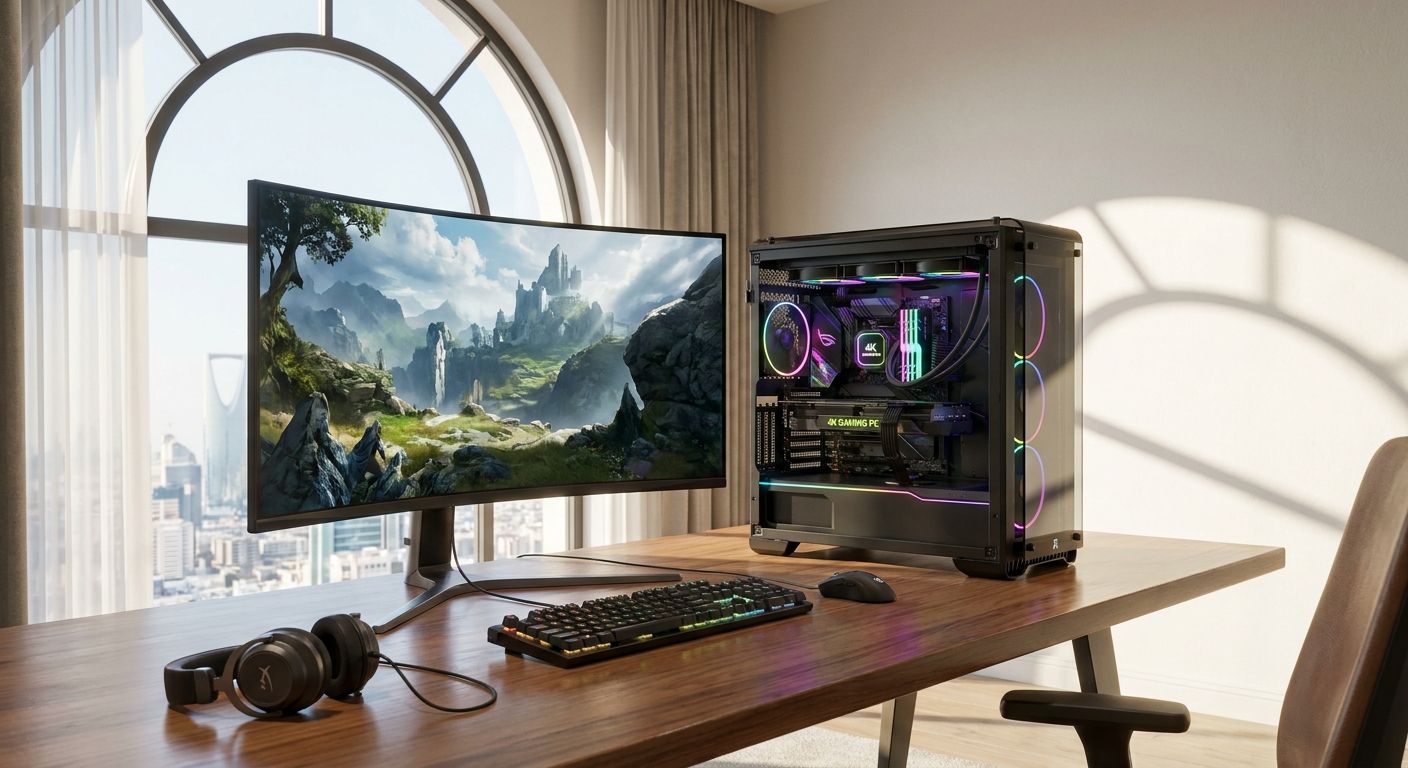
Native 4K gaming in 2026 needs at least 12GB of VRAM and a GPU that can sustain 60fps at 3840x2160 without constant upscaling crutches — anything less and you're gaming at 4K in name only. Best overall 4K gaming PC in Saudi Arabia for 2026: a custom RTX 4090 build. Best for high refresh 4K without going flagship: an RTX 4080 build. Best budget entry into native 4K: an RTX 4070 Ti Super build.
- RTX 4090 builds are the only 2026 configuration that holds 60fps+ at native 4K with ray tracing maxed — buy it if budget allows.
- 12GB of VRAM is the floor for a 4k gaming pc in 2026; anything less forces aggressive upscaling in newer titles.
- RTX 4070 Ti Super builds are the best value 4k gaming pc, relying on DLSS/FSR rather than raw horsepower.
- RX 7900 XTX builds beat Nvidia on raw rasterization but trail on ray tracing performance at 4K.
- A 4K gaming PC pulling 450W from the GPU alone needs an 850W PSU with headroom, not a bare-minimum unit.
Why this matters
A 4K gaming PC is a different purchase than a 1440p rig — the GPU, the PSU, and the cooling all move up a tier, and getting one of those wrong bottlenecks the rest of the build. Gamerzone's custom gaming PC lineup covers this range from entry 4K to flagship, which matters because most shoppers in Saudi Arabia overspend on the CPU and underspend on VRAM.
Room heat matters too. Indoor ambient temperatures in KSA run high for much of the year, and a 4K-capable GPU pulling 300W-450W under load needs a case with real airflow, not just a big radiator sticker. That's a cooling decision, not a GPU decision, and it belongs in the same budget line.
What makes the best 4K gaming PC
- VRAM capacity — 12GB is the 2026 floor for native 4K; 16GB-24GB removes the guesswork in newer AAA titles
- CPU pairing — a GPU-bound 4K build tolerates a mid-tier CPU better than a 1440p high-refresh build does
- Cooling headroom — sustained boost clocks at 4K need airflow that holds up in a warm room, not just a spec sheet
- PSU wattage and quality — match the PSU to the GPU's actual draw plus 20-30% headroom, not the bare minimum listed on the box
- RAM speed and capacity — 32GB is the practical baseline once streaming or heavy multitasking enters the picture
- Upgrade path — a motherboard chipset that still takes a GPU refresh in two years saves a full rebuild later
4K gaming PC options at a glance
| Build | Best for | Standout feature | Key limitation |
|---|---|---|---|
| RTX 4090 build | Maxed-out 4K with ray tracing | 24GB VRAM, holds 60fps+ at ultra settings | Needs an 850W+ PSU and serious case airflow |
| RTX 4080 build | High refresh 4K, AAA and competitive | Drives most 2026 titles well past 60fps at 4K | Still a premium component tier |
| RTX 4070 Ti Super build | Value entry into native 4K | 16GB VRAM covers most 2026 titles without upscaling | Leans on DLSS for the heaviest ray tracing loads |
| RX 7900 XTX build | Rasterization-heavy 4K, no ray tracing priority | 24GB VRAM, strong raw frame rates | Ray tracing performance trails Nvidia's equivalents |
| Compact liquid-cooled build | Quiet, space-constrained 4K setups | Keeps thermals in check in a smaller footprint | Smaller case limits GPU length options |
1. RTX 4090 build: best 4K gaming pc for maxed-out ray tracing
This is the configuration that treats 4K as the default resolution, not a stretch target. The RTX 4090's 24GB of VRAM keeps ray-traced AAA titles running at native 4K without dropping to upscaled frames, and it's the only tier that comfortably clears 60fps with every setting on ultra in 2026's heavier releases.
RTX 4090 build pros:
- Handles native 4K at max settings without relying on upscaling
- 24GB VRAM future-proofs against VRAM-hungry titles through the next few years
- Headroom for high-refresh 4K monitors, not just 60Hz panels
RTX 4090 build cons:
- Draws roughly 450W under load, pushing total system power well past entry-tier PSUs
- Needs a case with genuine airflow, not just a large chassis
- Priced well above the point of diminishing returns for anyone gaming below 4K
RTX 4090 build pricing: check current configuration pricing on the site — component costs shift with GPU availability.
Best for: gamers who want the 4K ceiling with ray tracing on, not a compromise.
Verdict: Buy if the budget stretches this far — nothing else on this list matches it at native 4K.
2. RTX 4080 build: best 4K gaming pc for high refresh play
The RTX 4080 tier is the practical flagship for most 2026 buyers — it drives native 4K well past 60fps in the majority of titles and still handles ray tracing without leaning hard on upscaling. It's the build that makes sense if the RTX 4090's power draw and cost feel excessive for the extra headroom it buys.
RTX 4080 build pros:
- Clears 4K at high frame rates in most 2026 titles without upscaling
- Lower power draw than the 4090 tier, easing PSU and cooling requirements
- Strong resale and upgrade position within the same GPU generation
RTX 4080 build cons:
- Still a premium-tier component, not a budget pick
- The heaviest ray-traced titles occasionally need DLSS to hold 60fps at max settings
- Sits close enough to the 4090 tier that some buyers second-guess the gap
RTX 4080 build pricing: current configuration pricing is on the site — this tier moves with component supply.
Best for: gamers who want 4K at high refresh without paying for the absolute ceiling.
Verdict: Buy — the best balance of performance and cost for most 2026 4K setups.
3. RTX 4070 Ti Super build: best 4K gaming pc for value-focused 4K
This is the entry point into genuine 4K gaming rather than a 1440p build stretched past its comfort zone. The RTX 4070 Ti Super carries 16GB of VRAM, enough to run most 2026 titles at native 4K on high settings, with DLSS covering the gap in the most demanding ray-traced scenes.
RTX 4070 Ti Super build pros:
- 16GB VRAM covers native 4K in the majority of current titles
- Noticeably lower power draw than the flagship tiers
- The lowest-cost path into a genuine 4k gaming pc rather than a compromised one
RTX 4070 Ti Super build cons:
- Heavy ray tracing titles need upscaling to hold 60fps at 4K
- Less headroom for GPU-hungry titles releasing later in the generation
- Not the pick for anyone chasing max settings with ray tracing always on
RTX 4070 Ti Super build pricing: check the site for current configuration pricing.
Best for: gamers moving up from 1440p who want 4K without the flagship spend.
Verdict: Buy — the sensible entry point if the top two tiers are overkill for your use case.
4. RX 7900 XTX build: best 4K gaming pc for rasterization-heavy titles
AMD's RX 7900 XTX matches the RTX 4090 on VRAM at 24GB and beats most of Nvidia's stack on raw rasterized frame rates. It's the build for someone who cares about competitive shooters and rasterization-heavy titles more than ray-traced visuals.
RX 7900 XTX build pros:
- 24GB VRAM matches the flagship Nvidia tier
- Strong raw frame rates in titles without heavy ray tracing loads
- Generally better price-to-performance on rasterization than equivalent Nvidia tiers
RX 7900 XTX build cons:
- Ray tracing performance trails the RTX 4080 and 4090 tiers
- Upscaling tech (FSR) hasn't closed the visual quality gap with DLSS in every title
- Driver-level feature parity still lags Nvidia in a handful of newer titles
RX 7900 XTX build pricing: check the site for current configuration pricing.
Best for: gamers prioritizing raw 4K frame rates over ray-traced visuals.
Verdict: Buy if rasterization matters more than ray tracing; Skip if DLSS-quality upscaling and ray tracing are priorities.
5. Compact liquid-cooled build: best 4K gaming pc for quiet setups
Not every 4K buyer wants a full-tower case. This configuration pairs a 4K-capable GPU with a liquid cooling loop sized for a smaller chassis, which matters in KSA where indoor ambient heat pushes case temperatures up during the warmer months.
Compact liquid-cooled build pros:
- Keeps GPU and CPU temperatures in check despite the smaller footprint
- Quieter under sustained load than air-cooled builds of the same tier
- Fits desks and rooms where a full tower doesn't
Compact liquid-cooled build cons:
- Smaller case limits GPU length and radiator size choices
- Liquid cooling adds a maintenance consideration air cooling doesn't have
- Not the pick for squeezing in the absolute largest flagship GPU
Compact liquid-cooled build pricing: check the site for current configuration pricing.
Best for: gamers who want native 4K performance without a full-tower case.
Verdict: Buy if space or noise is the deciding factor over raw GPU tier.
How we ranked
Each build was scored against the criteria above: VRAM capacity against 2026's actual game requirements, CPU pairing to avoid bottlenecks, cooling headroom for sustained loads, PSU match to real power draw, and upgrade path within the same platform. No two builds compete for the same use case — the ranking is a decision tree by priority, not a single leaderboard.
Which 4K gaming PC should you choose in 2026?
If money isn't the constraint, the RTX 4090 build wins outright — it's the only configuration that runs native 4K with ray tracing maxed without leaning on upscaling. If the budget needs to be sensible, the RTX 4080 build gets you 90% of that performance at a lower power and cooling cost. Anyone stepping up from 1440p for the first time should look at the RTX 4070 Ti Super build — it's a real 4K gaming pc, not a compromise dressed up as one. Skip the flagship tier entirely if you're mostly playing competitive titles without heavy ray tracing; the RX 7900 XTX build gets you there for less.
FAQ
What's the best 4K gaming PC in Saudi Arabia in 2026?
An RTX 4090 build is the best 4K gaming pc overall in 2026 because it's the only tier that holds native 4K with ray tracing maxed above 60fps. An RTX 4080 build is the better pick if you want most of that performance for less power draw.
Is an RTX 4090 build overkill for 4K gaming?
Not if you want native 4K with ray tracing on at ultra settings. It's overkill only if you're gaming at 1440p or below, or if you're fine relying on upscaling for the heaviest titles.
How much VRAM do you need for 4K gaming in 2026?
12GB is the practical floor for native 4K in 2026; 16GB-24GB gives you headroom in newer, VRAM-hungry titles without dropping settings.
Can an RTX 4070 handle native 4K gaming?
The RTX 4070 Ti Super, with 16GB of VRAM, handles native 4K in most 2026 titles on high settings, leaning on DLSS upscaling for the heaviest ray-traced scenes.
Is AMD or Nvidia better for 4K gaming in 2026?
AMD's RX 7900 XTX wins on raw rasterized frame rates at 4K, while Nvidia's RTX 4080 and 4090 tiers win on ray tracing performance and upscaling quality. The choice comes down to which matters more for the games you play.
How much PSU wattage does a 4K gaming pc need?
A build with an RTX 4090 needs an 850W PSU with headroom given its roughly 450W draw under load. Lower GPU tiers like the RTX 4070 Ti Super or RX 7900 XTX scale down from there.
Does a 4K gaming pc need extra cooling in Saudi Arabia's climate?
Yes — high indoor ambient temperatures common in KSA for much of the year mean a 4K-capable GPU under sustained load needs a case with real airflow or liquid cooling, not just a stock cooler.
Should you buy a pre-built or custom 4K gaming pc?
A custom build lets you match VRAM, cooling, and PSU exactly to your GPU tier instead of accepting a fixed configuration, which matters more at the 4K tier than at 1080p or 1440p.
One last thing
The detail most buyers skip in 2026: VRAM capacity matters more than clock speed once you're at native 4K. A GPU with a slightly lower boost clock but 16GB or 24GB of VRAM will age better than a faster card stuck at 12GB, because 4K textures and ray tracing buffers eat VRAM long before they max out compute.


