
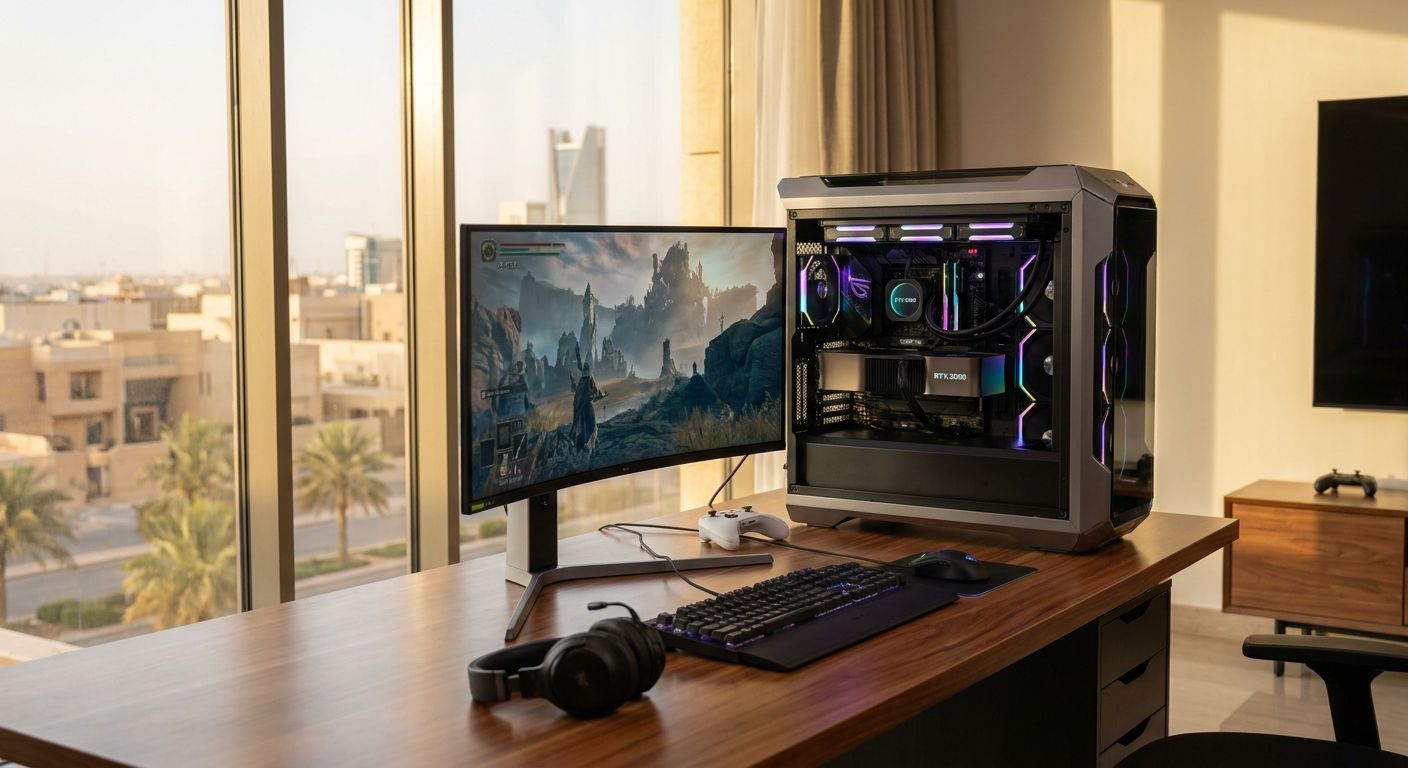
Best overall: Gamerzone's custom RTX 5090 gaming PC. Best for out-of-box setup: Gamerzone's pre-built RTX 5090 desktop. Best budget entry into this GPU tier: an RTX 5090 paired with a mid-range CPU. Everything below breaks down which configuration fits which gamer in 2026, with honest trade-offs for each.
- Gamerzone's custom RTX 5090 gaming PC wins for anyone who wants full control over every spec in 2026.
- A pre-built RTX 5090 desktop suits buyers who want a ready-to-game rig with no configuration.
- Creator-focused RTX 5090 builds add RAM and storage headroom for streaming and video editing.
- Compact RTX 5090 builds fit small desks but demand careful case and cooling choices.
- Pairing the RTX 5090 with a mid-range CPU is the cheapest route into this GPU class.
Why this matters
The RTX 5090 is Nvidia's top Blackwell-generation card, built for 4K gaming at high refresh rates, heavy ray tracing, and creator workloads that eat VRAM. With 32GB of GDDR7 memory and a 575W TDP, it changes what the rest of the PC needs to look like — case airflow, power supply headroom, and CPU pairing all matter more than with a mid-range GPU.
In Saudi Arabia, most buyers shopping for an RTX 5090 gaming PC in 2026 fall into one of three camps: enthusiasts who want to spec every part themselves, buyers who want a rig shipped ready to plug in, and creators who need the extra VRAM for editing and streaming, not just frame rates. Gamerzone covers all three through its custom PC builder and pre-built desktop line.
What makes the best RTX 5090 gaming PC
Before ranking anything, judge a build against these criteria:
- PSU headroom — the card alone draws up to 575W, so the power supply needs real margin, not a number that just clears the minimum.
- CPU-GPU balance — pairing a 575W GPU with a weak CPU creates a bottleneck that wastes the card's ceiling.
- Case airflow and cooling — a 575W card in a cramped case throttles regardless of how good the silicon is.
- RAM and storage sized to the use case — 32GB and fast NVMe storage matter more for creators than for pure gamers.
- Local support availability — parts availability and after-sales help inside KSA matter once something needs replacing.
At a glance
| Build | Best for | Standout feature | Key limitation |
|---|---|---|---|
| Gamerzone Custom RTX 5090 Build | Full spec control | Choose every component | Longer decision process |
| Gamerzone Pre-built RTX 5090 Desktop | Ready-to-game setup | No configuration needed | Less flexibility on parts |
| RTX 5090 Creator Build | Streaming and editing | Extra RAM and storage | Higher total component count to manage |
| RTX 5090 Compact Build | Small-desk setups | Smaller footprint | Cooling margin is tighter |
| RTX 5090 Budget-CPU Pairing | Lower entry cost | Cheapest way to the 5090 tier | CPU can cap frame rates in some titles |
1. Gamerzone Custom RTX 5090 Build: best for full spec control
Gamerzone's custom PC builder lets you pick the case, motherboard, RAM kit, storage, and cooling around the RTX 5090 instead of accepting a fixed spec sheet. That matters most for buyers who already know what CPU pairing or storage layout they want and don't want to compromise on any single part.
Gamerzone custom RTX 5090 build pros:
- Full control over every component, including PSU wattage and cooling type
- Room to prioritize either gaming frame rates or creator workloads in the spec
- Fits enthusiasts upgrading piece by piece over time
Gamerzone custom RTX 5090 build cons:
- Takes longer to configure than picking a fixed pre-built
- Requires knowing what you actually need — a bad pairing wastes the GPU's ceiling
- Not the fastest route to unboxing and gaming
Verdict: Buy — if you want the RTX 5090 gaming PC built exactly around your workload, this is the strongest starting point.
2. Gamerzone Pre-built RTX 5090 Desktop: best for ready-to-game setup
A pre-built RTX 5090 desktop skips the configuration step entirely. The GPU, CPU, RAM, and cooling arrive already matched, which suits buyers who want to plug in and start playing rather than research every part.
Gamerzone pre-built RTX 5090 desktop pros:
- No configuration decisions to make
- Balanced component pairing chosen for you
- Fastest path from purchase to first boot
Gamerzone pre-built RTX 5090 desktop cons:
- Less room to swap individual parts later
- Fixed spec may include more or less RAM/storage than you'd choose yourself
Verdict: Buy — for buyers who value speed of setup over customization.
3. RTX 5090 Creator Build: best for streaming and content editing
This configuration leans on the RTX 5090's 32GB of VRAM for video editing, 3D rendering, and simultaneous game-plus-stream workloads. The extra system RAM and faster storage matter here more than they do for pure gaming, since creator software holds larger files in memory at once.
RTX 5090 creator build pros:
- 32GB VRAM handles large creative project files without swapping
- Extra RAM headroom supports running capture and editing software alongside a game
- Fast NVMe storage speeds up export and render times
RTX 5090 creator build cons:
- Costs more once RAM and storage are scaled up for creative work
- Overkill if the primary use is gaming only
Verdict: Buy — for streamers and editors who need the VRAM, not just the frame rate.
4. RTX 5090 Compact Build: best for small-desk setups
A compact case build trims the footprint for desks that can't fit a full tower, while still housing a 575W card. This demands tighter attention to cooling, since smaller cases have less room for airflow.
RTX 5090 compact build pros:
- Smaller physical footprint suits tight desk space
- Still runs the full RTX 5090 without downgrading the GPU
RTX 5090 compact build cons:
- Cooling margin is tighter than a full-size case
- Component selection is more restrictive to fit the smaller chassis
Verdict: Hold — good fit only if desk space is the deciding constraint; otherwise a full-size case gives more thermal headroom.
5. RTX 5090 Budget-CPU Pairing: best for lower entry cost
Pairing the RTX 5090 with a mid-range CPU instead of a flagship chip is the cheapest way to get this GPU into a build. It works for gamers focused on 4K or high-resolution rendering, where the GPU carries most of the workload anyway.
RTX 5090 budget-CPU pairing pros:
- Lowest total cost route into RTX 5090 territory
- Still delivers full GPU performance at 4K, where the CPU matters less
RTX 5090 budget-CPU pairing cons:
- CPU can cap frame rates in CPU-heavy or competitive titles at 1080p
- Less future-proof if you upgrade resolution or refresh rate later
Verdict: Buy — for 4K-focused gamers watching total cost; Skip if you play competitive titles at 1080p where CPU speed drives frame rate.
How we ranked
Each build was judged against the five criteria above: PSU headroom, CPU-GPU balance, cooling and airflow, RAM/storage fit for the use case, and local support availability in KSA. The custom build ranks first because it lets the buyer satisfy all five criteria directly rather than accepting a fixed compromise.
Configure your RTX 5090 gaming PC
Build a custom rig or browse ready-to-ship RTX 5090 desktops on Gamerzone.
Which RTX 5090 gaming PC should you choose?
If you know your ideal spec, build custom — it's the only option that lets you match PSU, cooling, and RAM exactly to your workload. If you want to skip the decisions entirely, buy pre-built. If you stream or edit alongside gaming, prioritize the creator configuration for the VRAM headroom. For everyone watching total cost in 2026, the budget-CPU pairing keeps the RTX 5090 accessible without downgrading the GPU itself.
FAQ
What's the best RTX 5090 gaming PC for most buyers in 2026?
A custom-configured build wins for most buyers because it lets you match PSU, cooling, and RAM to your specific workload instead of accepting a fixed spec. Buyers who want to skip decisions entirely should go pre-built instead.
Is a pre-built RTX 5090 desktop better than a custom build?
A pre-built desktop is better if you want to start gaming immediately without configuring parts. A custom build is better if you want control over every component, including cooling and storage.
How much power supply does an RTX 5090 gaming PC need?
The RTX 5090 draws up to 575W on its own, so a PSU rated 1000W or higher is the recommended baseline for headroom. Undersized power supplies risk instability under full GPU load.
How much VRAM does the RTX 5090 have?
The RTX 5090 ships with 32GB of GDDR7 memory. That capacity matters most for creator workloads like video editing and 3D rendering, not just gaming frame rates.
Do I need a top-tier CPU to pair with an RTX 5090?
Not always. At 4K resolution the GPU carries most of the workload, so a mid-range CPU pairing still performs well and lowers total cost. Competitive gaming at 1080p benefits more from a faster CPU.
Can an RTX 5090 gaming PC fit in a compact case?
Yes, but cooling margin gets tighter in smaller cases housing a 575W card. Full-size cases give more thermal headroom if desk space isn't a hard constraint.
Is the RTX 5090 worth it for streaming?
Yes, for streamers and editors who need the 32GB of VRAM to run capture and editing software alongside a game without slowdown. Pure gamers without creative workloads may not need that VRAM ceiling.
One last thing
The number that trips up most buyers isn't the GPU price — it's the 575W TDP figure. A build that reuses an older 650W-750W power supply from a previous rig runs the RTX 5090 at real risk of instability under full load in 2026; check PSU wattage before anything else on the parts list.


