
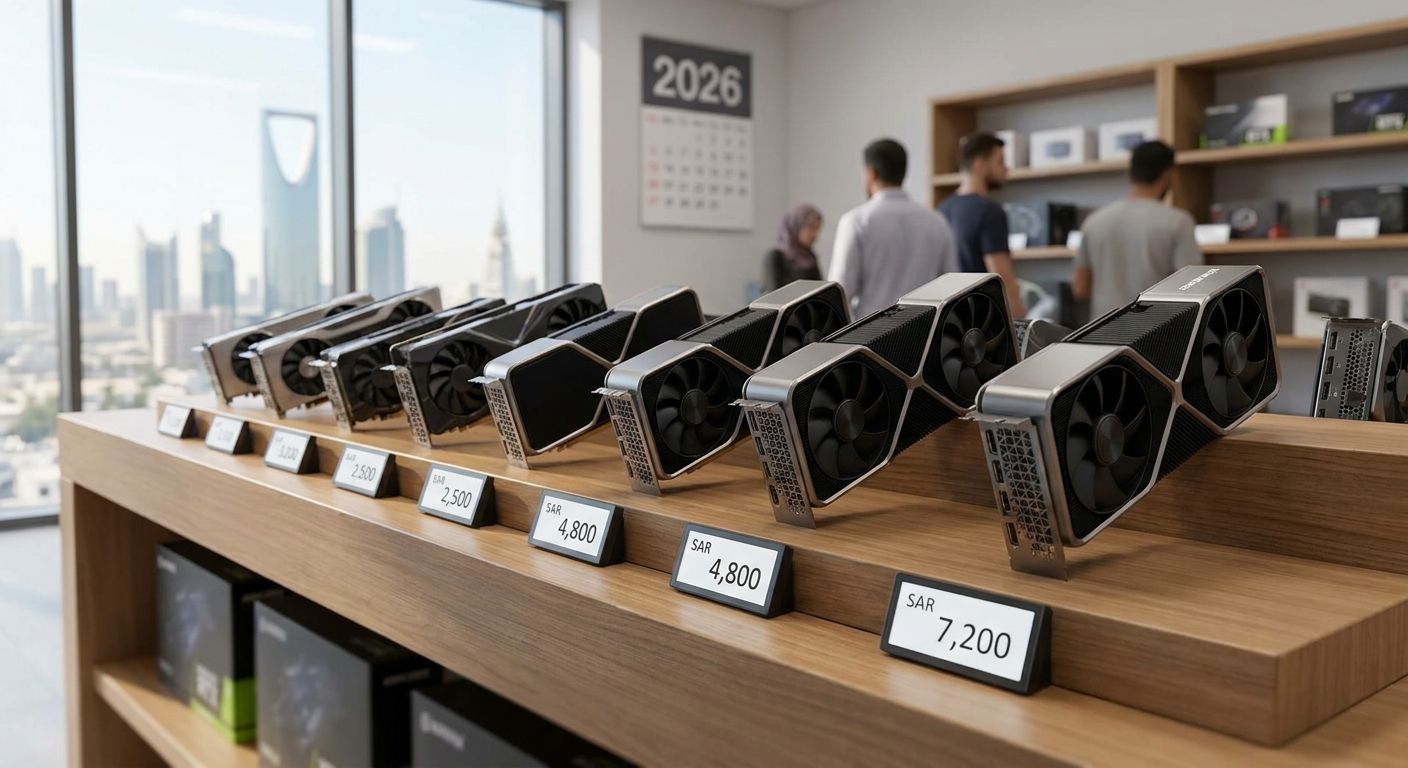
Graphics card prices in Saudi Arabia move with the same global supply swings that hit every other market, but the riyal's fixed peg to the US dollar means those swings land here almost dollar-for-dollar. This guide ranks the current NVIDIA RTX 50-series and AMD RX 9000-series lineup by price tier — from flagship to budget — so you know exactly which card fits your build and your resolution target in 2026.
- RTX 5090 sits at the flagship tier for 4K and AI workloads; RTX 5080 covers 4K gaming without the 575W power draw.
- RX 9070 XT is the best value pick for 1440p gaming among current AMD options.
- RTX 5060 Ti's 16GB variant is the safest budget-mid buy for 1080p competitive play in 2026.
- Graphics card prices Saudi Arabia buyers see already include the country's 15% VAT.
- Gamerzone stocks GPUs across every tier listed here for KSA-based builds.
Why this matters
Saudi Arabia's VAT sits at 15%, and that rate is baked into every graphics card price you see on a shelf or a checkout page in 2026 — there's no separate tax line to budget for. The Saudi riyal is also pegged to the US dollar at a fixed rate near 3.75 SAR, so when GPU prices move in the US or during global chip shortages, the same swing shows up here within days, not months.
That's the backdrop for this ranking. Gamerzone carries GPUs across the full tier spread, and understanding where each card sits — flagship, high-end, mid-range, or budget — matters more than chasing a single "best" card, because the right pick depends entirely on your resolution and refresh-rate target.
What makes the best graphics card for a Saudi Arabia build
- Performance tier match — the card's power should match your target resolution (1080p, 1440p, or 4K), not exceed it by two tiers.
- VRAM headroom — 8GB is now a limiting factor in several 2026 titles at 1440p; 12GB or more buys longevity.
- Power and cooling draw — board power ranges from 145W to 575W across this lineup, and your PSU and case airflow need to match it.
- Driver and software ecosystem — game-ready driver cadence and creator tool support differ between NVIDIA and AMD.
- Local availability and support — a card only matters if a Saudi retailer actually stocks it and can service a warranty claim.
- Upgrade path — leave room to pair the GPU with a future CPU or platform without one part bottlenecking the other.
Graphics cards ranked by price tier — at a glance
| GPU | Best for | Standout feature | Price tier | Key limitation |
|---|---|---|---|---|
| RTX 5090 | 4K gaming and AI/creative workloads | 32GB VRAM | Flagship | 575W board power draw |
| RTX 5080 | 4K gaming without flagship power draw | 16GB VRAM, 360W TDP | High-end | Priced well above mid-range for the VRAM jump |
| RTX 5070 Ti | 1440p high-refresh AAA gaming | 16GB VRAM at a lower TDP than the 5080 | Upper-mid | Diminishing returns below 1440p |
| RX 9070 XT | 1440p value gaming | 16GB VRAM, strong rasterization per watt | Upper-mid | Ray-tracing trails NVIDIA's equivalent tier |
| RTX 5070 | Mainstream 1440p with ray tracing | 12GB VRAM, DLSS support | Mid-range | 12GB can feel tight in texture-heavy titles |
| RTX 5060 Ti (16GB) | 1080p high-fps competitive builds | 16GB VRAM on a budget-mid card | Budget-mid | 1440p headroom is limited past medium settings |
| RX 9060 XT | Budget builds needing extra VRAM | 16GB VRAM option at the budget tier | Budget | Weaker in ray-traced titles |
1. RTX 5090: best graphics card for 4K and AI workloads
The RTX 5090 is NVIDIA's 2026 flagship, built for players who run native 4K or heavy ray-tracing workloads and for creators doing AI-accelerated rendering. It ships with 32GB of VRAM, more than double the next tier down, which matters for large AI models and uncompressed 4K texture sets as much as for gaming.
RTX 5090 pros:
- Handles native 4K at high refresh rates without upscaling
- 32GB VRAM covers AI and creative workloads, not just games
- Longest realistic upgrade runway of any card on this list
RTX 5090 cons:
- 575W board power draw demands a high-wattage PSU and serious case airflow
- Massive overkill for 1080p or 1440p gaming
- Physically large — check case clearance before buying
Best for: 4K gamers and creators running AI workloads. Verdict: Buy if your resolution and workload actually need it — otherwise it's wasted headroom.
2. RTX 5080: best graphics card for 4K gaming without flagship power draw
The RTX 5080 targets the same 4K resolution as the 5090 but at a lower 360W TDP and a smaller 16GB VRAM pool. It's the card for someone who wants a 4K-capable rig in 2026 without building around a 575W GPU.
RTX 5080 pros:
- 4K-capable at meaningfully lower power draw than the 5090
- 16GB VRAM comfortably covers current AAA titles
- Fits standard ATX cases and mid-tier PSUs more easily
RTX 5080 cons:
- Sits well above mid-range on the price tier
- 16GB VRAM will feel tighter than 32GB in future AI-adjacent workloads
Best for: 4K gamers who don't need the flagship's headroom. Verdict: Buy.
3. RTX 5070 Ti: best graphics card for 1440p high-refresh AAA gaming
The RTX 5070 Ti carries the same 16GB VRAM as the 5080 but at a lower TDP and a tier down in raw performance, making it the sweet spot for 1440p high-refresh gaming in demanding AAA titles.
RTX 5070 Ti pros:
- 16GB VRAM at upper-mid pricing
- Strong ray-tracing performance for the tier
- Comfortable 1440p high-refresh performance
RTX 5070 Ti cons:
- Returns diminish fast if you're gaming below 1440p
- Not a 4K card despite the VRAM count
Best for: 1440p gamers who want AAA titles maxed at high refresh rates. Verdict: Buy.
4. RX 9070 XT: best graphics card for 1440p value gaming
AMD's RX 9070 XT matches the RTX 5070 Ti's 16GB VRAM and competes directly at the same 1440p tier, with strong rasterization performance per watt at a 304W TDP.
RX 9070 XT pros:
- 16GB VRAM at the upper-mid tier
- Strong rasterization performance for the price tier
- Solid choice for players who don't lean heavily on ray tracing
RX 9070 XT cons:
- Ray-tracing performance trails NVIDIA's equivalent tier
- Driver feature set differs from NVIDIA's DLSS ecosystem
Best for: 1440p gamers prioritizing rasterization value over ray tracing. Verdict: Buy.
5. RTX 5070: best graphics card for mainstream 1440p gaming
The RTX 5070 drops to 12GB VRAM and a 250W TDP, landing squarely in the mid-range tier for players who want solid 1440p performance with ray tracing and DLSS support, without upper-mid pricing.
RTX 5070 pros:
- Balanced mid-range pick for 1440p
- DLSS support helps performance in ray-traced titles
- Lower power draw than the Ti variant
RTX 5070 cons:
- 12GB VRAM can feel tight in texture-heavy 2026 titles
- Not built for 4K, even at reduced settings
Best for: Mainstream 1440p gamers who want ray tracing without upper-mid pricing. Verdict: Buy.
6. RTX 5060 Ti (16GB): best graphics card for 1080p competitive gaming
The 16GB variant of the RTX 5060 Ti is the budget-mid pick built for players chasing high frame rates at 1080p in competitive titles, with VRAM headroom that budget cards usually skip.
RTX 5060 Ti pros:
- 16GB VRAM at a budget-mid price tier is rare
- Strong 1080p high-fps performance for esports titles
- Lower 180W TDP fits smaller cases and PSUs
RTX 5060 Ti cons:
- 1440p headroom is limited past medium settings
- The 8GB variant of the same card should be avoided for 2026 titles
Best for: 1080p competitive gamers who want VRAM headroom on a budget-mid card. Verdict: Buy — the 16GB version specifically.
7. RX 9060 XT: best graphics card for budget builds needing VRAM
The RX 9060 XT closes out the budget tier with a 150W TDP and a 16GB VRAM option that beats most budget-tier NVIDIA cards on memory capacity, at the cost of weaker ray-tracing performance.
RX 9060 XT pros:
- 16GB VRAM option at the true budget tier
- Low 150W power draw suits compact builds
- Solid 1080p rasterization performance
RX 9060 XT cons:
- Ray-traced titles show a clear performance gap versus NVIDIA's tier
- Not a 1440p card outside of lighter esports titles
Best for: Budget builds where VRAM capacity matters more than ray tracing. Verdict: Buy.
Compare GPU tiers before you buy
Browse current gaming PC components and builds for your target resolution.
How this ranking was built
Each card was placed by matching its published VRAM, board power (TDP), and generation tier against the resolution and workload it's built to handle — flagship for 4K/AI, high-end and upper-mid for 1440p, mid-range and budget for 1080p and value builds. No two entries compete for the same use case, so the list functions as a decision path rather than a single leaderboard.
Which graphics card should you choose in 2026?
If you're building for 1440p and want the strongest value tier right now, the RTX 5070 Ti or the RX 9070 XT are the two to weigh against each other — pick NVIDIA for ray tracing, AMD for rasterization per watt. If your target is 1080p competitive gaming, the RTX 5060 Ti's 16GB variant is the safer long-term buy over any 8GB card at the same tier. For 4K or AI-heavy work, the RTX 5090 or RTX 5080 are the only two cards on this list built for it — everything else will bottleneck at that resolution.
FAQ
What is the best graphics card price tier for gaming in Saudi Arabia in 2026?
The mid-range and upper-mid tiers — cards like the RTX 5070 and RX 9070 XT — give the best balance of 1440p performance and price tier positioning in 2026. Flagship cards like the RTX 5090 only make sense for 4K or AI workloads.
Is the RTX 5070 better than the RX 9070 XT for 1440p gaming?
The RX 9070 XT edges ahead on rasterization performance per watt, while the RTX 5070 wins on ray tracing thanks to DLSS support. Choose based on whether your game library leans on ray-traced titles.
How much VRAM do I need for gaming in 2026?
12GB is the practical minimum for 1440p gaming in 2026, and 16GB is safer for texture-heavy AAA titles. 8GB cards are now a limiting factor even at 1080p in several new releases.
Does Saudi Arabia's VAT affect graphics card prices?
Yes — Saudi Arabia applies a 15% VAT, and that rate is already included in the price shown at checkout on any GPU purchase in the country. There's no separate tax added afterward.
What's the best budget graphics card for 1080p gaming in 2026?
The RTX 5060 Ti in its 16GB variant is the strongest budget-mid pick for 1080p competitive gaming in 2026. The RX 9060 XT is the better pure-budget option if VRAM capacity matters more than ray tracing.
Which GPU is best for 4K gaming in 2026?
The RTX 5080 handles native 4K gaming at a lower power draw than the RTX 5090, making it the more practical flagship-tier pick unless you also need the 5090's 32GB VRAM for AI or creative work.
How does the Saudi riyal's dollar peg affect GPU prices?
The riyal is pegged to the US dollar at a fixed rate near 3.75 SAR, so global GPU price swings in the US market translate almost directly into Saudi Arabia within days rather than months.
Should I buy a pre-built gaming PC or build one with a separate GPU?
A pre-built saves time matching components like PSU wattage to your chosen GPU's power draw, while building separately gives more control over which tier of card you install. Both routes are available through Gamerzone depending on how hands-on you want to be.
One last thing
Match your PSU to the GPU's board power before you match anything else — a card drawing 575W like the RTX 5090 needs headroom the rest of your build doesn't, while a 150W card like the RX 9060 XT gives you room to spend that wattage budget elsewhere. Most build regret in 2026 traces back to buying the GPU first and the PSU as an afterthought.


