
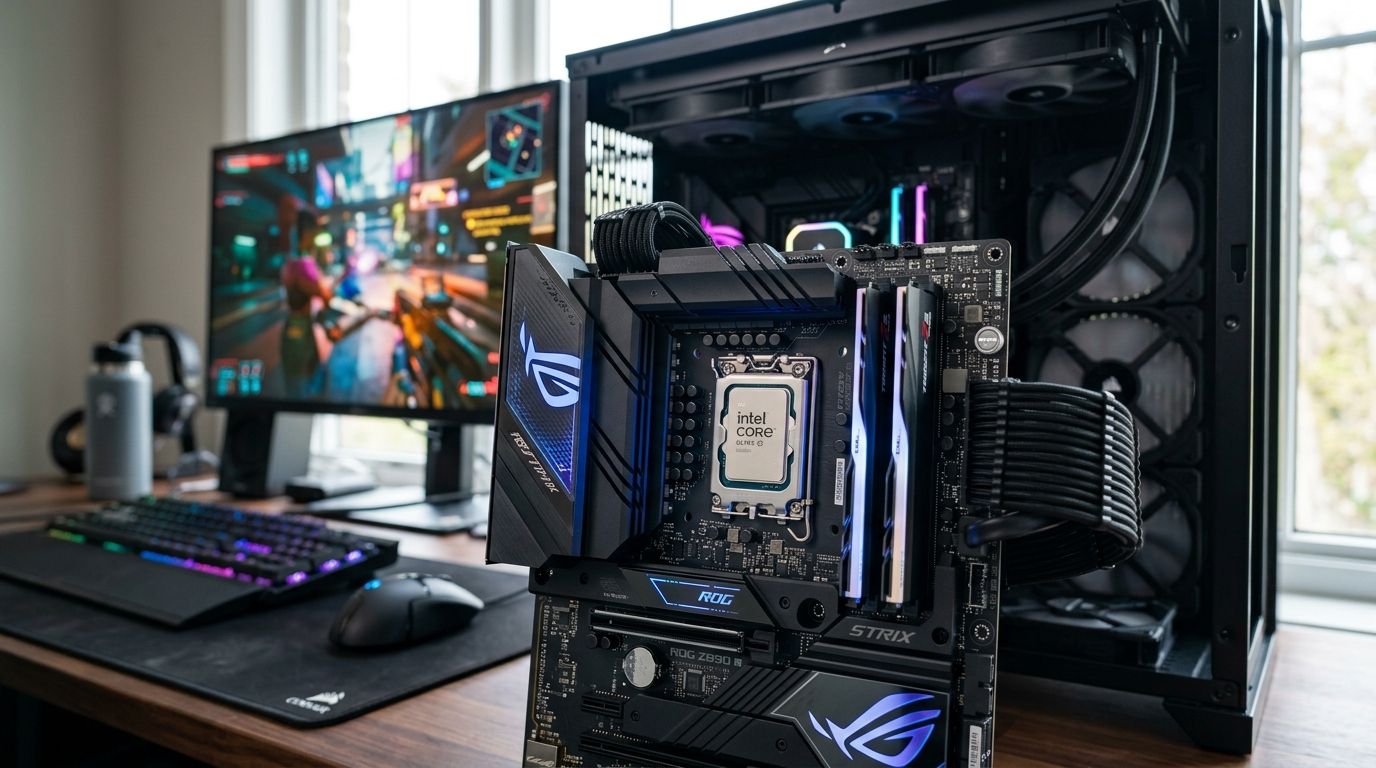
Best overall: Intel Core Ultra 9 285K. Best for high-refresh esports: Intel Core Ultra 5 245K. Best budget option: Intel Core i5-14600K. This guide ranks the Intel Core CPUs that make sense for a gaming PC in 2026, based on core architecture, gaming clock speeds, platform cost, and where each chip actually earns its place in a build.
- Intel Core Ultra 9 285K is the best Intel CPU for gaming in 2026 for 4K and heavy multitasking rigs.
- Intel Core Ultra 5 245K delivers the clock speeds esports players need without paying for cores they won't use.
- Intel Core i5-14600K remains the best budget option for 1080p and 1440p gaming builds.
- Intel Core Ultra 7 265K fits players who stream while gaming and need extra cores for encoding.
- Arrow Lake chips (Core Ultra series) need a new LGA1851 motherboard — factor that into your build cost.
Why this matters
Picking the wrong Intel CPU for gaming means either overpaying for cores your games never touch, or bottlenecking a graphics card you already own. Intel's 2026 desktop lineup splits into two generations sold side by side: the newer Core Ultra series (Arrow Lake, socket LGA1851) and the still-current Core i5-14600K (Raptor Lake refresh, socket LGA1700). Both show up in gaming PCs sold across Saudi Arabia, and the right pick depends on resolution, budget, and whether you're also streaming.
If you're deciding between Intel and the other camp, the best AMD Ryzen CPUs for gaming covers the X3D chips that trade blows with these Intel options at similar price points. This guide sticks to Intel only.
What makes the best Intel CPU for gaming
- Single-core clock speed — gaming still leans on a handful of fast cores more than raw core count.
- Platform cost — Arrow Lake needs a new motherboard and DDR5; older Raptor Lake chips reuse existing LGA1700 boards.
- Core mix (P-cores vs E-cores) — more P-cores helps 1% lows in CPU-heavy titles; E-cores help background tasks and streaming.
- Thermal headroom — K-series chips run hot under sustained boost and need real cooling, not stock coolers.
- Memory support — DDR5 speed and latency matter more on these chips than on older AMD or Intel platforms.
- Longevity of the socket — a fresh socket (LGA1851) usually means more upgrade room over the next few years.
Best Intel CPUs for gaming in 2026 — at a glance
| CPU | Best for | Standout feature | Key limitation |
|---|---|---|---|
| Intel Core Ultra 9 285K | 4K gaming + heavy multitasking | 24 cores (8P+16E), up to 5.7GHz boost | Needs strong cooling and a new LGA1851 board |
| Intel Core Ultra 7 265K | Streaming while gaming | 20 cores (8P+12E) for encode + game load | Diminishing returns for pure gaming vs the Ultra 5 |
| Intel Core Ultra 5 245K | High-refresh 1080p/1440p esports | 14 cores (6P+8E), clocks near the flagship | Fewer cores hurts heavy background multitasking |
| Intel Core i5-14600K | Budget gaming builds | 14 cores (6P+8E), reuses LGA1700 boards | Older platform, no DDR5-only performance gains |
1. Intel Core Ultra 9 285K: best Intel CPU for gaming for 4K and heavy multitasking
The Core Ultra 9 285K is Intel's flagship desktop chip in 2026, built on the Arrow Lake architecture with 24 cores split across 8 performance cores and 16 efficiency cores, boosting up to 5.7GHz. It's the chip to pair with a top-tier GPU when the rig also handles streaming, rendering, or heavy background apps while gaming.
Intel Core Ultra 9 285K pros:
- Highest core count in Intel's current gaming lineup, useful for 4K CPU overhead and multitasking
- Strong single-core boost keeps frame pacing tight in CPU-bound esports titles too
- Pairs cleanly with fast DDR5 kits for the platform's full bandwidth
Intel Core Ultra 9 285K cons:
- Sustained boost clocks generate real heat — a stock cooler won't cut it
- Requires a new LGA1851 motherboard, which raises total build cost
- Overkill for anyone gaming exclusively at 1080p on a mid-range GPU
A chip that boosts to 5.7GHz needs cooling that can actually hold that clock under load — check the CPU coolers for gaming PCs guide before finalizing this build.
Best for: gamers building a 4K rig that also streams, edits, or runs heavy background software. Verdict: Buy.
2. Intel Core Ultra 7 265K: best Intel CPU for gaming for streaming while you play
The Core Ultra 7 265K sits one step below the flagship with 20 cores (8P+12E) and slightly lower boost clocks. It's built for the player who games and encodes a stream simultaneously without wanting to spend on the top-tier chip.
Intel Core Ultra 7 265K pros:
- Enough cores to run OBS or a hardware encoder alongside a demanding game
- Meaningfully cheaper platform footprint than the 285K while sharing the same socket
- Handles 1440p and most 4K titles without a CPU bottleneck on a strong GPU
Intel Core Ultra 7 265K cons:
- Gaming-only frame rates land close to the Core Ultra 5 245K, so pure gamers overpay here
- Still needs a capable air or liquid cooler under sustained load
- Same new-socket cost as the flagship, without the flagship's full core count
Best for: streamers and content creators who game on the same rig they broadcast from. Verdict: Buy.
3. Intel Core Ultra 5 245K: best Intel CPU for gaming for high-refresh esports
The Core Ultra 5 245K trims down to 14 cores (6P+8E) but keeps clock speeds close to its bigger siblings, which is exactly what esports titles reward. Games like Valorant, CS2, and Fortnite lean on single-core speed far more than core count, and this chip delivers that without the premium of the Ultra 9 or Ultra 7.
Intel Core Ultra 5 245K pros:
- Clock speeds close to the flagship at a lower platform cost
- Ideal match for 240Hz and higher-refresh monitors where frame rate ceiling matters most
- Lower power draw and heat than the Ultra 9 285K under gaming loads
Intel Core Ultra 5 245K cons:
- Fewer cores start to show in multitasking-heavy sessions with a stream or Discord overlay running
- Still requires the newer LGA1851 platform and DDR5
- Not the pick for 4K or GPU-limited scenarios where the extra cores of the 285K go unused
Best for: competitive players chasing frame rate on a high-refresh monitor. Verdict: Buy.
4. Intel Core i5-14600K: best Intel CPU for gaming on a budget
The Core i5-14600K is a Raptor Lake refresh chip with 14 cores (6P+8E) and boost clocks up to 5.3GHz, sold on the older LGA1700 platform. It doesn't touch DDR5-only bandwidth gains, but it still games well and lets a builder reuse cheaper existing motherboards.
Intel Core i5-14600K pros:
- Lower total platform cost since LGA1700 boards and DDR4 kits are widely available and cheaper
- Gaming performance holds up well at 1080p and 1440p against a mid-to-high GPU
- A known, mature platform with fewer early-adopter quirks than the newer Arrow Lake boards
Intel Core i5-14600K cons:
- No upgrade path onto the newer Arrow Lake socket down the line
- Falls behind the Core Ultra 5 245K in CPU-bound esports frame rate ceilings
- Runs hotter per clock than the newer Arrow Lake architecture
Best for: budget-focused gaming builds where the GPU, not the CPU, is doing the heavy lifting. Verdict: Buy for budget builds, Skip if you want DDR5 headroom.
Build your gaming PC around these CPUs
Configure a custom build with any Intel Core chip on this list.
How this ranking was built
Each chip was measured against the six criteria above: clock speed, platform cost, core mix, thermal headroom, memory support, and socket longevity. The Core Ultra 9 285K wins on raw capability, the Core Ultra 5 245K wins on price-to-clock-speed for esports, and the Core i5-14600K wins on platform reuse for anyone not chasing DDR5. No chip won every category — that's why four different builders should walk away with four different answers.
Which Intel CPU should you choose?
If you're not sure which of these fits, default to the Intel Core Ultra 5 245K — it covers 1080p and 1440p gaming at high refresh rates without the platform premium of the Ultra 9 285K. Step up to the Core Ultra 9 285K only if the rig is doing 4K gaming plus streaming or rendering work. Step down to the Core i5-14600K only if the budget is fixed and the GPU is doing most of the work anyway.
FAQ
What's the best Intel CPU for gaming in 2026?
The Intel Core Ultra 9 285K is the best Intel CPU for gaming overall in 2026, with 24 cores and boost clocks up to 5.7GHz for 4K and multitasking-heavy rigs. Budget builders and esports players get better value from the Core i5-14600K or Core Ultra 5 245K.
Is the Intel Core Ultra 9 285K better than AMD Ryzen for gaming?
It depends on the title and whether multitasking matters — the Core Ultra 9 285K's core count helps in multitasking and 4K scenarios, while AMD's X3D chips often lead in cache-sensitive games. Check the AMD Ryzen CPU guide for the direct comparison.
Does the Intel Core Ultra 5 245K bottleneck a high-end GPU?
No — its clock speeds sit close to the flagship Core Ultra 9 285K, which is what matters most for GPU-bound gaming at 1440p and 4K. It only falls behind in heavy multitasking scenarios with fewer cores in play.
What motherboard do I need for Intel Core Ultra CPUs?
Intel's Core Ultra series (Arrow Lake) uses the new LGA1851 socket and requires DDR5 memory, so existing LGA1700 boards won't work. Budget that platform cost in alongside the CPU itself.
Is the Intel Core i5-14600K still worth buying in 2026?
Yes, for budget builds — it still games well at 1080p and 1440p and reuses cheaper LGA1700 motherboards. It's a step behind the newer Core Ultra 5 245K in esports frame rate ceilings.
How much RAM do these Intel CPUs need for gaming?
32GB of DDR5 covers gaming plus background apps comfortably on any Core Ultra chip; 16GB is workable for gaming-only builds on the i5-14600K. Faster DDR5 kits help the Arrow Lake platform more than older DDR4 setups.
Do I need liquid cooling for the Core Ultra 9 285K?
A quality air cooler can handle it, but a 240mm or larger liquid cooler holds the 5.7GHz boost clock more consistently under sustained load. Stock coolers aren't included and aren't sufficient for this chip.
One last thing
The biggest mistake builders make in 2026 isn't picking the wrong CPU — it's pairing a Core Ultra 9 285K with a budget motherboard that throttles the chip's boost clock under sustained load. The socket and board matter almost as much as the silicon on Intel's current platform.


