
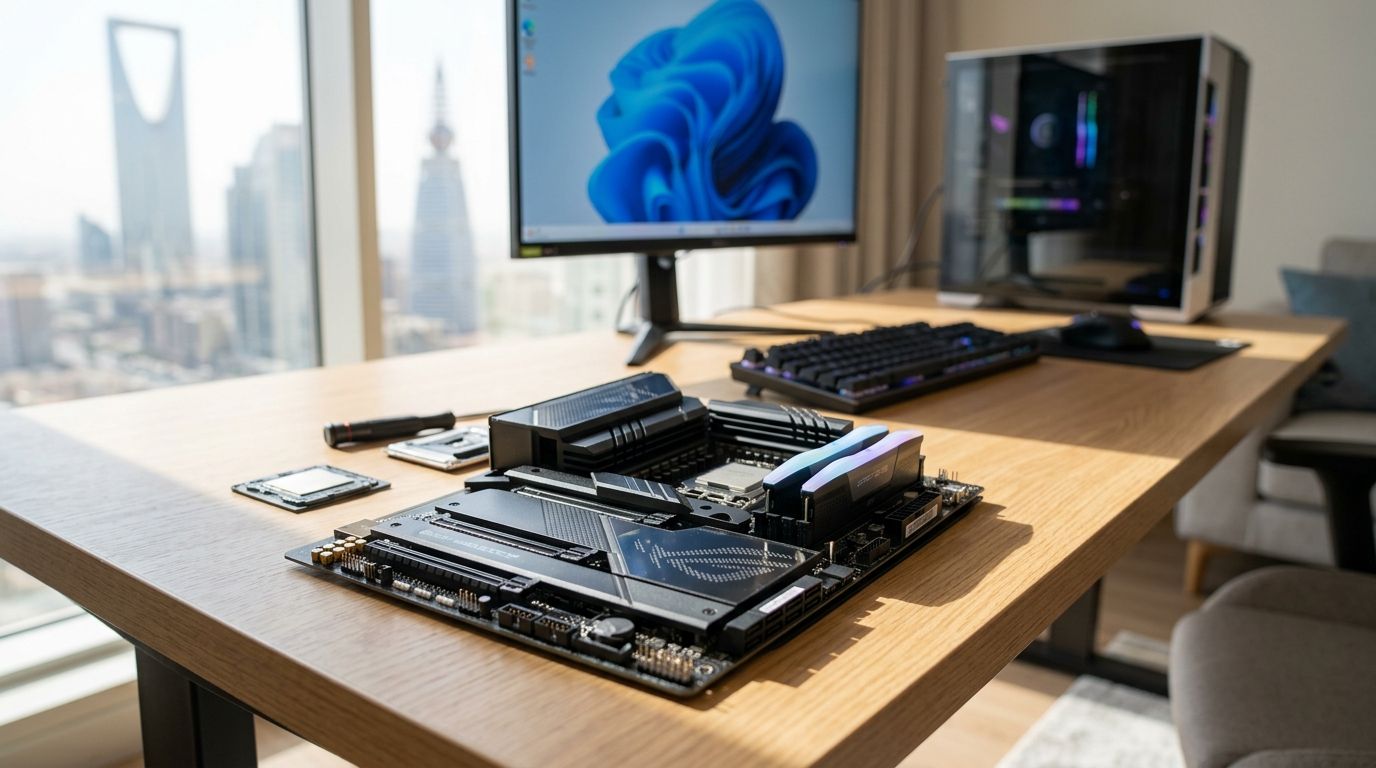
Choosing the right DDR5 motherboard decides how far your CPU, GPU, and RAM can actually perform in 2026 — get the chipset wrong and you cap your build before you even open a game.
- AMD X870E DDR5 motherboard wins for flagship Ryzen 9000 gaming builds in Saudi Arabia in 2026.
- Intel Z890 DDR5 motherboard is the top pick for the latest Core Ultra 200 gaming rigs.
- AMD B650 DDR5 motherboard gives the best value for mid-range Ryzen gaming PCs.
- Intel B760 DDR5 motherboard is the budget option for 12th to 14th gen gaming builds.
- Pair any DDR5 motherboard with a DDR5 RAM kit rated for its supported speed to avoid bottlenecks.
Why this matters
A DDR5 motherboard is the backbone of every gaming build shipped in 2026 — it sets your CPU socket, your maximum RAM speed, and how many PCIe 5.0 lanes your GPU and SSD actually get. Buy the wrong chipset and you either overpay for features you never touch, or you bottleneck a GPU like an RTX 5070 Ti with a board that can't feed it enough bandwidth.
Gamerzone builds and sells custom gaming PCs across KSA, and the chipset choice is the first decision every build spec starts with, ahead of even the GPU. The gaming PC components lineup runs on both AMD AM5 and Intel LGA1851/LGA1700 platforms, so the comparison below covers both ecosystems rather than picking a side.
Best overall: AMD X870E DDR5 motherboards. Best for the latest Intel platform: Intel Z890 DDR5 motherboards. Best budget option: Intel B760 DDR5 motherboards.
What makes the best DDR5 motherboard
- Chipset generation and socket compatibility — AM5 (AMD), LGA1851 (Intel Core Ultra 200), or LGA1700 (Intel 12th–14th gen)
- DDR5 slot count and rated speed support — JEDEC baseline is DDR5-4800, with high-end boards certifying kits past DDR5-8000 via XMP or EXPO
- VRM quality and sustained power delivery — determines whether your CPU holds boost clocks under load or throttles
- PCIe 5.0 lane allocation — how many full-speed lanes go to the GPU slot versus the primary NVMe slot
- Connectivity — USB4/USB 3.2 count, onboard Wi-Fi, 2.5G or 5G LAN
- BIOS flashback and overclocking headroom — matters most if you're chasing every last frame from a flagship CPU
DDR5 motherboards at a glance
| Chipset | Best for | Standout feature | Key limitation |
|---|---|---|---|
| AMD X870E | Flagship Ryzen 9000 builds | Full PCIe 5.0 for GPU and SSD | Overkill for mid-range CPUs |
| Intel Z890 | Latest Core Ultra 200 builds | Native DDR5-only LGA1851 platform | Newer platform, smaller board selection |
| AMD X670E | Ryzen 7000 upgraders | PCIe 5.0 without waiting for X870E stock | Older AM5 revision, less refined VRM designs |
| AMD B650 | Value Ryzen gaming builds | Strong VRM at a mid-tier chipset tier | Fewer PCIe 5.0 lanes than X870E |
| Intel B760 | Budget 12th–14th gen builds | Widest board selection on LGA1700 | No native PCIe 5.0 GPU slot on most boards |
1. AMD X870E DDR5: best DDR5 motherboard for flagship Ryzen 9000 builds
X870E is AMD's top-tier AM5 chipset built specifically around Ryzen 9000 processors, and it's the only tier that guarantees PCIe 5.0 on both the GPU slot and the primary M.2 slot at once. If you're pairing a Ryzen 9 with a card like the RTX 5090 or RTX 5070 Ti, this is the chipset that won't hold either component back.
AMD X870E pros:
- Full PCIe 5.0 bandwidth for GPU and storage simultaneously
- Highest DDR5 speed certifications on the AM5 platform
- Best VRM headroom for sustained all-core boost on flagship Ryzen CPUs
AMD X870E cons:
- More board features than a mid-range GPU pairing needs
- Fewer entry-level SKUs than B650, so shopping takes longer
Best for: builders running a top-tier GPU and CPU together and planning to keep the board for multiple GPU upgrade cycles. Verdict: Buy if your build already includes a flagship GPU.
2. Intel Z890 DDR5: best DDR5 motherboard for Core Ultra 200 builds
Z890 is Intel's flagship chipset for the LGA1851 socket, launched alongside the Core Ultra 200 series. It's a DDR5-only platform from the ground up — no legacy DDR4 boards muddying the lineup — which simplifies RAM shopping considerably.
Intel Z890 pros:
- Native DDR5-only design with no DDR4 confusion
- Strong overclocking support for K-series Core Ultra CPUs
- Wide connectivity including USB4 on most SKUs
Intel Z890 cons:
- Newer platform means fewer boards on shelves than the AM5 side
- Priced at the top of Intel's stack, so it only makes sense with a Core Ultra 9 or Ultra 7
Best for: gamers committing to Intel's newest generation rather than sticking with 12th–14th gen. Verdict: Buy for a fresh Intel build in 2026.
3. AMD X670E DDR5: best DDR5 motherboard for Ryzen 7000 upgraders
X670E was AMD's original flagship AM5 chipset before X870E arrived, and it still delivers PCIe 5.0 across the board. It suits anyone already running a Ryzen 7000 CPU who wants a chipset upgrade without switching platforms entirely.
AMD X670E pros:
- Same PCIe 5.0 lane count as X870E on most boards
- Wider board selection since it's been on the market longer
- Compatible with the full AM5 CPU range, from Ryzen 7000 through 9000
AMD X670E cons:
- VRM designs vary more between brands than on the newer X870E boards
- Some early revisions lack the latest BIOS features out of the box
Best for: Ryzen 7000 owners upgrading the board without touching the CPU yet. Verdict: Hold if you already own an X670E board — no need to chase X870E.
4. AMD B650 DDR5: best DDR5 motherboard for value Ryzen builds
B650 strips out some of the top-tier connectivity but keeps solid VRM designs on most boards, making it the chipset most Ryzen gaming builds actually need. It supports the same DDR5 speeds as the flagship tiers on well-built SKUs.
AMD B650 pros:
- Strong price-to-performance for mid-range Ryzen builds
- Supports high DDR5 overclocking on quality boards
- Compatible across the AM5 CPU lineup
AMD B650 cons:
- Fewer PCIe 5.0 lanes than X670E or X870E
- Cheaper SKUs cut VRM phases, so board choice matters more here
Best for: a gaming PC pairing a mid-range Ryzen CPU with a GPU like the RTX 5060. Verdict: Buy for most builds under a flagship-tier budget.
5. Intel B760 DDR5: best DDR5 motherboard for budget builds
B760 covers Intel's 12th through 14th gen CPUs and remains the widest DDR5 board selection on the market simply because it's been around the longest. It's the practical choice if you're not chasing PCIe 5.0 GPU bandwidth yet.
Intel B760 pros:
- Largest selection of boards and price points
- Solid DDR5 support up to high XMP speeds on most SKUs
- Compatible with 12th, 13th, and 14th gen Intel CPUs
Intel B760 cons:
- No native PCIe 5.0 GPU slot on the majority of boards
- Overclocking is more limited than on Z-series chipsets
Best for: budget-focused Intel gaming builds where the GPU, not the board, is the priority spend. Verdict: Buy for cost-conscious 2026 builds.
How we ranked these DDR5 motherboards
Every chipset above was scored against the criteria listed earlier: socket and platform longevity, DDR5 speed certification, PCIe 5.0 lane allocation, VRM quality, and connectivity. Flagship tiers (X870E, Z890) rank ahead when a build already includes a top-tier GPU; value tiers (B650, B760) rank ahead when the GPU, not the board, is where the budget should go.
Match your DDR5 motherboard with RAM
Check DDR5 kits rated for your board's supported speed.
Which DDR5 motherboard should you choose?
If you're building around a flagship GPU in 2026, AMD X870E is the default pick — it's the only tier that guarantees full PCIe 5.0 bandwidth on both the GPU and storage at once. Going Intel instead, Z890 is the equivalent flagship move for anyone on Core Ultra 200. For most gaming rigs that aren't chasing the absolute top end, AMD B650 or Intel B760 deliver the DDR5 speeds and stability a mid-range build actually needs without paying for lanes you won't use.
Not sure you want to build from parts at all? Gamerzone's pre-built gaming PCs in Saudi Arabia already ship with the chipset matched to the CPU and GPU inside, so the decision above is made for you.
FAQ
What is the best DDR5 motherboard for gaming in 2026?
AMD X870E is the best overall DDR5 motherboard for flagship gaming builds in 2026, guaranteeing PCIe 5.0 on both the GPU and storage slots. Intel Z890 is the equivalent pick for Core Ultra 200 builds.
Is a DDR5 motherboard better than DDR4 for gaming?
Yes, DDR5 motherboards support higher memory bandwidth and are the current standard for new gaming builds in 2026. All new CPU platforms from AMD and Intel now ship DDR5-only.
How much RAM speed does a DDR5 motherboard support?
JEDEC baseline for DDR5 is 4800 MT/s, but most current-generation boards certify XMP or EXPO kits well past 6000 MT/s, with flagship boards supporting speeds above 8000 MT/s.
Do I need PCIe 5.0 on my DDR5 motherboard?
PCIe 5.0 matters most if you're pairing a flagship GPU like the RTX 5090 with a fast NVMe SSD at the same time. Mid-range builds running a card like the RTX 5060 won't saturate PCIe 4.0 yet.
What's the difference between AMD X870E and X670E?
Both chipsets deliver full PCIe 5.0 on AM5, but X870E is the newer revision built for Ryzen 9000 with more refined VRM designs. X670E remains a solid choice for Ryzen 7000 owners upgrading boards.
Which is better for budget builds, Intel B760 or AMD B650?
Both are value-focused DDR5 motherboards; B650 covers the full AM5 lineup while B760 covers Intel's 12th to 14th gen CPUs. Neither offers native PCIe 5.0 GPU slots, which is fine for mid-range GPU pairings.
Can I use any DDR5 RAM kit with any DDR5 motherboard?
Physically yes, but actual speed depends on the board's XMP or EXPO certification list. Check the kit's rated speed against your specific board's supported memory speeds before buying.
One last thing
DDR5's JEDEC baseline speed of 4800 MT/s is what every DDR5 motherboard supports out of the box with zero configuration — the 6000-8000+ MT/s numbers on the box only kick in once you enable XMP or EXPO in the BIOS, a step a surprising number of new builders skip entirely.


