
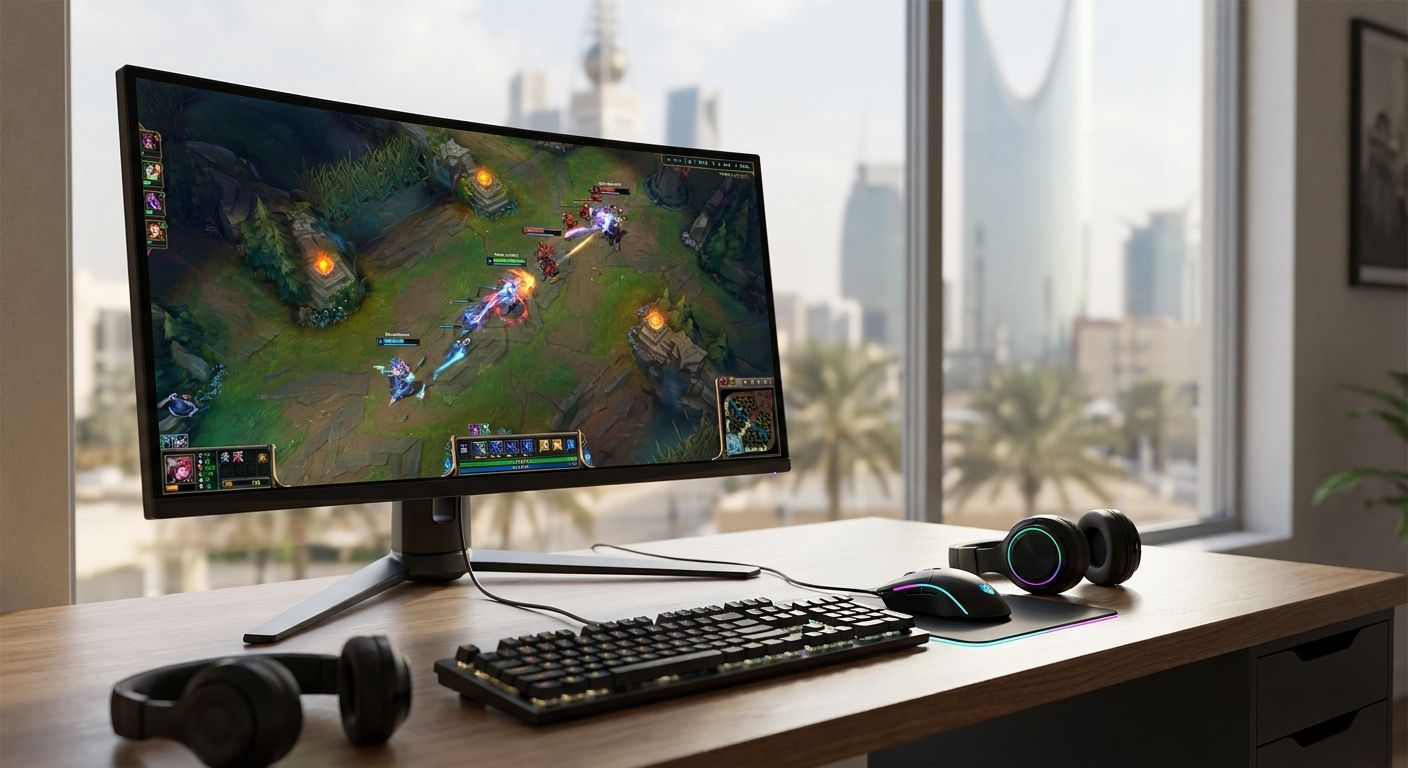
Picking the right gaming monitor in 2026 comes down to three questions: what refresh rate does your GPU actually push, what panel technology matches your games, and what resolution your build can sustain without dropping frames. This guide ranks gaming monitor types by use case so you buy the panel that matches your setup instead of the one with the flashiest spec sheet.
- Best gaming monitor overall for 2026: OLED panels win on contrast and color for single-player and cinematic games.
- 240Hz+ panels remain the standard for competitive FPS and esports titles in 2026.
- 4K gaming monitor picks only make sense paired with an RTX 5070 Ti or RTX 5090 build.
- 1440p at 165Hz is the balanced choice for most gamers upgrading in 2026.
- Ultrawide monitors suit sim racing and open-world games but need GPU headroom to hit target frame rates.
Why this matters
A gaming monitor mismatched to your GPU wastes money twice: once on the panel, once on the graphics card sitting idle below its ceiling. A 240Hz monitor paired with a mid-range GPU that tops out at 90fps in modern titles delivers nothing extra over a 144Hz panel. Match the monitor to the build first, then chase the resolution or panel type you actually want.
The gaming monitor category on Gamerzone spans budget 1080p panels to high-end OLED displays, and the right pick in 2026 depends entirely on what's driving the pixels.
What makes the best gaming monitor in 2026
- Panel technology — OLED, fast IPS, or VA, each with different contrast and motion behavior
- Refresh rate — 144Hz, 165Hz, or 240Hz+, matched to what your GPU can sustain
- Resolution — 1080p, 1440p, or 4K, driven by GPU horsepower, not personal preference alone
- Response time — how fast pixels transition, which controls motion blur in fast-paced games
- Adaptive sync support — variable refresh rate that prevents tearing when frame rates fluctuate
- Screen format — flat versus ultrawide, which changes both immersion and GPU load
Gaming monitors at a glance
| Monitor type | Best for | Standout feature | Key limitation |
|---|---|---|---|
| OLED gaming monitor | Single-player and cinematic games | Near-instant pixel response, deep black levels | Risk of burn-in with static UI elements over time |
| 240Hz+ gaming monitor | Competitive FPS and esports | Refresh rate that outpaces most human reaction time | Needs a GPU that can push 200+ fps consistently |
| 4K gaming monitor | High-end builds with RTX 5070 Ti / RTX 5090 | Sharpest image detail for open-world and creative work | Demands serious GPU headroom to stay above 60fps |
| 1440p 165Hz gaming monitor | Balanced all-around gaming | Middle ground between sharpness and frame rate | Not the top pick for either pure esports or pure visuals |
| Ultrawide gaming monitor | Sim racing and open-world immersion | Wider field of view without a multi-monitor setup | Higher pixel count strains mid-range GPUs |
| Budget 1080p 144Hz monitor | Entry-level or secondary PC setups | Lowest barrier to smooth gameplay above 60fps | Limited headroom for future GPU upgrades |
1. OLED gaming monitor: best for color and contrast in single-player games
OLED panels light individual pixels instead of relying on a backlight, which is why blacks look genuinely black instead of dark gray. That matters most in atmospheric single-player games and cinematic sequences where contrast carries the scene.
OLED gaming monitor pros:
- Near-instant pixel response that virtually eliminates motion blur
- Deep contrast that makes HDR content look dramatically different from standard LCD panels
- Wide color coverage that benefits both gaming and media viewing
OLED gaming monitor cons:
- Static elements like HUDs or taskbars can risk permanent image retention over extended use
- Peak brightness in fully lit rooms lags behind high-end IPS panels
- Typically the priciest panel technology in the category
Check the OLED gaming monitors lineup for options that fit this panel type in 2026.
Best for: gamers who prioritize visual immersion over raw competitive edge. Verdict: Buy if you play mostly single-player titles and can manage screen-off habits to avoid retention.
2. 240Hz+ gaming monitor: best for competitive FPS and esports
A 240Hz panel refreshes the image every 4.2 milliseconds, which shaves reaction-time lag in fast-paced shooters like Valorant or Counter-Strike. The gain only shows up when your GPU can actually render past 200 frames per second in the title you're playing.
240Hz gaming monitor pros:
- Smoother tracking on fast-moving targets, valued heavily in competitive shooters
- Pairs naturally with lower input latency configurations
- Common at 1080p or 1440p, which keeps GPU demand manageable
240Hz gaming monitor cons:
- Wasted on GPUs that cap out below 150fps in current titles
- Panel types at this refresh rate are usually fast IPS or TN, not OLED, at lower price points
- Diminishing visible returns above 165Hz for most players
Browse the 240Hz gaming monitors selection to match this refresh tier to your setup.
Best for: competitive players in ranked shooters. Verdict: Buy if your GPU sustains 200+ fps; Wait if it doesn't yet.
3. 4K gaming monitor: best for high-end builds with GPU headroom
4K resolution runs at 3840x2160, four times the pixel count of 1080p. That level of detail rewards open-world games and creative work, but it demands a GPU that doesn't buckle under the extra rendering load.
4K gaming monitor pros:
- Sharpest available image for detail-heavy games and productivity work
- Best showcase for high-end GPU builds already running RTX 5070 Ti or RTX 5090 tiers
- Doubles as a strong monitor for non-gaming tasks
4K gaming monitor cons:
- Frame rates drop fast without a top-tier GPU behind the panel
- Higher GPU and system cost overall to keep the resolution smooth
- Less relevant for esports titles where refresh rate matters more than pixel density
If you're building around this resolution, the 4K gaming PCs lineup shows which builds actually sustain it.
Best for: gamers with high-end GPUs who want maximum visual fidelity. Verdict: Buy only alongside a GPU built for 4K; Skip on a mid-range card.
4. 1440p 165Hz gaming monitor: best for balanced all-around gaming
1440p sits between 1080p and 4K, and 165Hz sits between 144Hz and 240Hz. That middle position is exactly why it's the default recommendation for most gamers upgrading in 2026 who don't have a specialized use case.
1440p 165Hz pros:
- Sharper than 1080p without the GPU demands of 4K
- Refresh rate high enough to feel smooth in competitive and casual titles alike
- Widest range of GPU tiers can drive this combination well
1440p 165Hz cons:
- Not the top choice for dedicated esports players chasing every millisecond
- Not as visually striking as 4K for detail-heavy single-player games
Best for: gamers who split time between competitive and story-driven titles. Verdict: Buy as the safest default pick in 2026.
5. Ultrawide gaming monitor: best for sim racing and open-world immersion
Ultrawide panels stretch the field of view horizontally, which changes how racing sims, flight sims, and open-world games render your surroundings. It's a different experience from a flat panel, not just a bigger one.
Ultrawide gaming monitor pros:
- Wider peripheral view that suits racing and flight simulation genres
- Removes bezels that a dual-monitor setup would otherwise introduce
- Strong for productivity multitasking outside of gaming hours
Ultrawide gaming monitor cons:
- Higher total pixel count than standard 1440p, which taxes the GPU more
- Not every game supports ultrawide aspect ratios natively
- Competitive shooters often disable ultrawide fields of view in ranked play
GPU headroom matters most here — the graphics cards ranked by price list helps match a card to this resolution class.
Best for: sim racers and open-world explorers. Verdict: Hold unless your GPU comfortably clears 1440p first.
6. Budget 1080p 144Hz gaming monitor: best for entry-level or secondary setups
1080p at 144Hz is the lowest-cost route into smooth gaming above the standard 60Hz baseline. It's the right call for a first gaming PC, a secondary monitor, or a build where the GPU is the priority spend.
Budget 1080p 144Hz pros:
- Lowest GPU demand of any tier on this list, so almost any card drives it well
- Enough refresh rate to feel a real difference over 60Hz
- Frees up budget to spend on the GPU or CPU instead
Budget 1080p 144Hz cons:
- Least headroom for a future GPU upgrade before the monitor becomes the bottleneck
- Lower pixel density than 1440p or 4K panels
Best for: first-time builders and secondary displays. Verdict: Buy if budget is the deciding factor.
How this list was ranked
Each monitor type was scored against the six criteria above — panel technology, refresh rate, resolution, response time, adaptive sync, and screen format — then matched to the GPU tier that realistically drives it in 2026. No panel wins every category; the ranking reflects which use case each type serves best, not a single leaderboard.
Match your monitor to your build
Browse gaming monitors and PC builds on Gamerzone.
Which gaming monitor should you choose in 2026?
If you're not sure where to start, the 1440p 165Hz gaming monitor is the default pick for 2026 — it covers competitive and single-player gaming without forcing a GPU upgrade. Step up to OLED if visual contrast matters more than raw refresh rate, or to a 240Hz+ panel if you're chasing ranked competitive gains and your GPU can back it up. Only go 4K once your GPU is already in the RTX 5070 Ti or RTX 5090 tier.
FAQ
What's the best gaming monitor for competitive esports in 2026?
A 240Hz or higher refresh rate monitor is the best gaming monitor for competitive esports in 2026, since it reduces the delay between an on-screen action and what you see. The gain only matters if your GPU can render past 200fps in the game you're playing.
Is OLED better than IPS for gaming monitors?
OLED beats IPS on contrast and pixel response time, making it better for cinematic and single-player games. IPS still edges out OLED on sustained brightness and long-term burn-in risk with static content.
How much does a gaming monitor cost in Saudi Arabia?
Pricing varies by panel type, refresh rate, and resolution, so check current listings on the Gamerzone catalog for exact figures in 2026. Budget 1080p panels sit well below OLED and 4K options.
Do I need 4K resolution for gaming?
You need 4K resolution only if your GPU can sustain playable frame rates at that pixel count, which in 2026 means a high-end card like the RTX 5070 Ti or RTX 5090. Without that GPU tier, 1440p delivers a smoother experience.
What refresh rate is best for FPS games?
144Hz is the practical minimum for FPS games, and 240Hz is the competitive standard in 2026 if your hardware can push frame rates that high. Anything below 144Hz noticeably lags behind in fast-paced shooters.
Can a budget gaming PC pair with a 144Hz monitor?
Yes, a budget 1080p 144Hz gaming monitor is specifically built to pair with entry-level GPUs that can't sustain higher resolutions or refresh rates. It's the most GPU-forgiving option on this list.
Is an ultrawide monitor good for gaming?
Ultrawide monitors work well for sim racing and open-world games where the extra field of view adds immersion, but competitive shooters often restrict ultrawide aspect ratios in ranked play. GPU load is also higher than a standard 1440p panel.
Which gaming monitor pairs best with an RTX 5090 build?
A 4K gaming monitor makes the most sense with an RTX 5090 build, since that GPU tier is built to sustain 4K frame rates that lower-end cards can't reach. Pairing a 4K panel with a weaker GPU wastes the resolution.
One last thing
The biggest mistake in 2026 gaming monitor shopping isn't picking the wrong panel — it's buying refresh rate the GPU can't use. Check your target frame rate in the games you actually play before comparing monitors, not after.


