
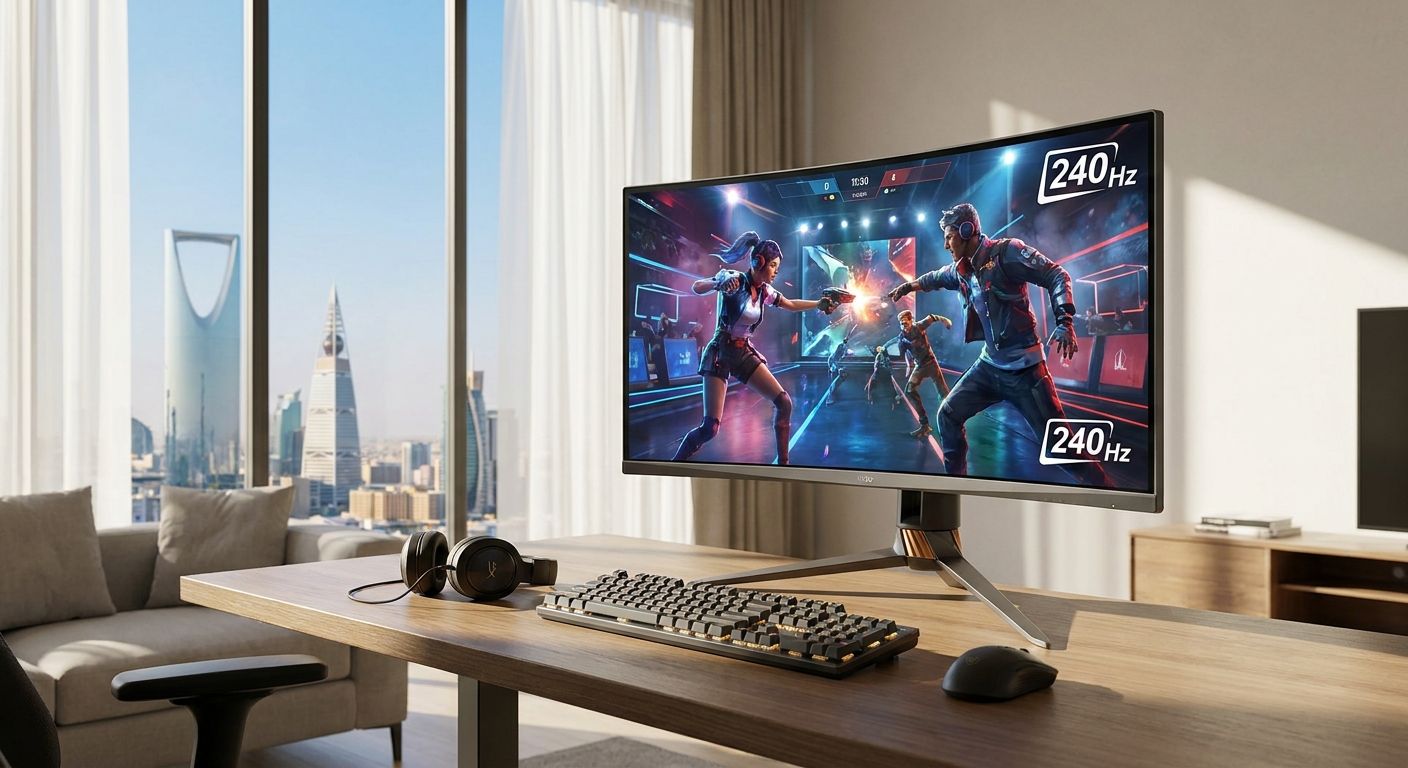
Best overall: LG UltraGear 27GR95QE-B. Best for competitive esports: BenQ Zowie XL2546K. Best for console crossover: MSI MPG274QRF-QD. Best for content creators who also game: ASUS ROG Swift PG279QM. Best budget option: Acer Predator XB253Q GX.
- LG UltraGear 27GR95QE-B is the best 240Hz gaming monitor overall for 2026 thanks to its QHD OLED panel.
- BenQ Zowie XL2546K wins competitive esports with DyAc+ backlight strobing on a 1080p TN panel.
- MSI MPG274QRF-QD is the pick for players splitting time between PC and PS5/Xbox Series X via HDMI 2.1.
- Acer Predator XB253Q GX is the cheapest real entry into 240Hz gaming without giving up IPS color.
- A 240Hz gaming monitor only pays off with a GPU that can sustain 240 frames per second in your actual games.
Why this matters
A 240Hz gaming monitor cuts frame time to roughly 4.2 milliseconds between refreshes, down from 6.9ms at 144Hz. That gap is small on paper and obvious in a firefight — smoother target tracking, less smearing on fast pans, quicker visual feedback on flicks. Gamerzone stocks the GPUs and full builds that actually drive these panels, which matters more than the monitor spec sheet itself.
The catch: a 240Hz panel does nothing if your GPU caps out at 90-120fps in the games you play. Buying the monitor before the GPU is the single most common mistake in this category, and it's why every pick below gets a GPU-pairing note, not just a spec dump.
What makes the best 240Hz gaming monitor
- Panel technology matched to use case — OLED for contrast and near-zero response time, fast IPS for color accuracy, TN or fast-VA for the lowest possible input lag
- Genuine 240Hz signal support over DisplayPort 1.4 or HDMI 2.1, not a marketing number that requires chroma subsampling to hit
- Adaptive sync coverage — G-Sync Compatible or FreeSync Premium across the full refresh range, not just at 240Hz
- Response time low enough to avoid ghosting at the resolution and refresh rate you'll actually run
- Ergonomics — height, tilt, swivel adjustment for the hours competitive players actually spend seated
- Resolution fit for your GPU — 1080p if you're chasing raw frames, 1440p if you want detail and still have headroom
240Hz gaming monitors at a glance
| Monitor | Best for | Standout feature | Key limitation |
|---|---|---|---|
| LG UltraGear 27GR95QE-B | Overall pick | QHD OLED with near-instant pixel response | OLED risk of burn-in with static HUDs over years of use |
| BenQ Zowie XL2546K | Competitive esports | DyAc+ motion-clarity backlight strobing | 1080p TN color is weak for anything outside gaming |
| MSI MPG274QRF-QD | Console + PC crossover | HDMI 2.1 for full 240Hz-class bandwidth on newer consoles | Rapid IPS glow is visible in dark scenes |
| ASUS ROG Swift PG279QM | Content creators who game | Factory color calibration alongside 240Hz native / 270Hz OC | Higher input lag than the TN and OLED options here |
| Acer Predator XB253Q GX | Budget entry | 1080p IPS at 240Hz without TN color compromise | Stand is basic — tilt only on some retail units |
1. LG UltraGear 27GR95QE-B: best 240Hz gaming monitor overall
The 27GR95QE-B runs a 26.5-inch QHD OLED panel at 240Hz with a published gray-to-gray response time near 0.03ms — fast enough that motion blur stops being a variable in the equation. Contrast is the real draw: OLED blacks make HUD elements and muzzle flashes pop in a way no LCD panel in this list matches. It's the one monitor here that works equally well for competitive shooters and single-player games with real visual depth.
LG UltraGear 27GR95QE-B pros:
- OLED contrast with genuinely instant pixel response
- QHD resolution gives more usable screen real estate than 1080p rivals
- 240Hz native, no upscaling tricks required
LG UltraGear 27GR95QE-B cons:
- OLED panels carry long-term burn-in risk with static overlays left on-screen for hours
- Needs a GPU that can sustain 1440p/240fps, which rules out anything below an RTX 5070-class card in demanding titles
Pair this panel with a build from Gamerzone's RTX 5070 Ti graphics card lineup — that's roughly the floor for holding 240fps at 1440p in modern titles with settings turned down.
Verdict: Buy — this is the 2026 default unless you have a specific reason to avoid OLED.
2. BenQ Zowie XL2546K: best 240Hz gaming monitor for competitive esports
BenQ builds the Zowie line specifically for tournament and ranked play, and the XL2546K's DyAc+ backlight strobing is the reason. It reduces perceived motion blur on a 1920x1080 TN panel at 240Hz, which is the exact combination competitive Valorant and CS2 players ask for — max frame rate, minimum blur, minimum input lag.
BenQ Zowie XL2546K pros:
- DyAc+ strobing measurably sharpens fast horizontal motion
- TN panel keeps input lag among the lowest of any 240Hz monitor sold
- 1080p resolution is easier for a mid-range GPU to sustain at 240fps than QHD
BenQ Zowie XL2546K cons:
- TN color and viewing angles are noticeably worse than IPS or OLED
- 1080p feels cramped for anyone also using the monitor for productivity or media
Verdict: Buy — if ranked competitive shooters are the only reason you're buying a 240Hz monitor, this is the direct answer.
3. MSI MPG274QRF-QD: best 240Hz gaming monitor for console crossover
The MPG274QRF-QD pairs a 27-inch QHD Rapid IPS panel with HDMI 2.1, which matters because most 240Hz monitors only expose full bandwidth over DisplayPort. Anyone splitting sessions between a PC and a PS5 or Xbox Series X needs that HDMI 2.1 port to get high-refresh benefits on both machines from one screen.
MSI MPG274QRF-QD pros:
- HDMI 2.1 connectivity actually useful for console high-refresh modes
- Quantum Dot IPS panel gives noticeably wider color coverage than standard IPS
- 240Hz at QHD without OLED burn-in risk
MSI MPG274QRF-QD cons:
- IPS glow is visible in dark scenes, more than OLED or VA alternatives
- Not the fastest response time in this list — OLED and TN both beat it
Verdict: Buy — the clear pick if your setup isn't PC-only.
4. ASUS ROG Swift PG279QM: best 240Hz gaming monitor for content creators who also game
The PG279QM ships with factory color calibration on top of a native 240Hz refresh rate (overclockable to 270Hz), which is unusual — most 240Hz panels sacrifice color accuracy for speed. That combination makes it the one monitor here that doubles credibly as a work screen for anyone editing video or doing color-sensitive work between gaming sessions.
ASUS ROG Swift PG279QM pros:
- Factory calibration means accurate color out of the box, no third-party profile needed
- 240Hz native with a 270Hz overclock option for headroom
- G-Sync compatible across the full refresh range
ASUS ROG Swift PG279QM cons:
- Input lag runs slightly higher than the TN and OLED options in this list
- Least specialized pick here — it's a generalist, not a specialist
A GPU pulled from a build like the ones in Gamerzone's RTX 5090 gaming PC lineup gives this monitor enough headroom to hit its 270Hz overclock in lighter titles without frame-rate limiting.
Verdict: Hold — buy it specifically if color work matters to you; otherwise the LG or MSI serve gaming better.
5. Acer Predator XB253Q GX: best budget 240Hz gaming monitor
The XB253Q GX is the cheapest real way into 240Hz without dropping to a worse panel type than TN alternatives. It runs a 1080p IPS panel at 240Hz with a published 1ms response time, which covers the basics — decent color, low blur, high refresh — without the extras the pricier options carry.
Acer Predator XB253Q GX pros:
- IPS color at 240Hz, a rare combination at this end of the category
- 1080p resolution is easy for a mid-range GPU to sustain at high frame rates
- Straightforward stand and OSD, nothing to configure beyond turning it on
Acer Predator XB253Q GX cons:
- Stand adjustability is limited compared to the other four picks
- No standout feature beyond hitting the 240Hz spec — it's a baseline, not a leader
Verdict: Buy — the right call if budget is the deciding factor and you don't need OLED or strobing.
How we ranked these
Each monitor was weighed against the six criteria above — panel technology, genuine signal support, adaptive sync coverage, response time, ergonomics, and resolution fit — then assigned a distinct use case so the list reads as a decision path instead of five monitors competing for the same slot. None of these five overlap on "best for."
Which 240Hz gaming monitor should you choose?
For most buyers in 2026, the LG UltraGear 27GR95QE-B is the right default — OLED contrast, QHD resolution, and 240Hz native cover competitive and casual play equally well. Drop to the BenQ Zowie XL2546K if you play ranked shooters and nothing else. Pick the MSI MPG274QRF-QD if a console shares the desk. Go ASUS ROG Swift PG279QM if color accuracy for editing work matters as much as frame rate. Budget-constrained buyers land on the Acer Predator XB253Q GX and lose almost nothing that matters for gaming.
“If your GPU can't sustain 240 frames per second in the game you're playing, a 240Hz monitor is just a 144Hz monitor with a bigger price tag.”
A monitor upgrade rarely happens alone. Long ranked sessions expose bad seating fast, and Gamerzone's gaming chair lineup is worth a look if the chair under you predates the monitor you're about to buy.
Build a PC that can drive 240Hz
Match your monitor to a GPU that actually sustains 240fps.
FAQ
What is the best 240Hz gaming monitor in 2026?
The LG UltraGear 27GR95QE-B is the best overall 240Hz gaming monitor in 2026 because of its QHD OLED panel and near-instant response time. Competitive players are better served by the BenQ Zowie XL2546K, and budget buyers by the Acer Predator XB253Q GX.
Is a 240Hz gaming monitor worth it over 144Hz?
Yes for competitive shooters and fast-paced games, where the drop from 6.9ms to 4.2ms frame time is noticeable in target tracking and motion clarity. It matters far less for slower single-player or story-driven games.
Do I need a powerful GPU for a 240Hz monitor?
Yes — the monitor only helps if your GPU can sustain close to 240 frames per second in the game you're playing. An RTX 5070-class card or better is a realistic floor for 1440p at 240Hz in demanding 2026 titles.
Is OLED or IPS better for a 240Hz gaming monitor?
OLED gives faster response time and deeper contrast, as seen on the LG UltraGear 27GR95QE-B, but carries long-term burn-in risk with static overlays. IPS panels like the MSI MPG274QRF-QD trade a bit of response time for better long-term durability and no burn-in concern.
Can a PS5 or Xbox Series X use a 240Hz monitor?
Consoles need HDMI 2.1 to get meaningful benefit from a high-refresh panel, which is why the MSI MPG274QRF-QD is the pick for anyone splitting time between console and PC. Not every 240Hz monitor includes HDMI 2.1, so check that spec before buying for console use.
What is the cheapest way to get a 240Hz gaming monitor?
The Acer Predator XB253Q GX is the most affordable real entry point into 240Hz gaming without dropping to a compromised panel type. It runs 1080p IPS at 240Hz, which covers the core spec without the extras pricier models add.
Does 240Hz reduce input lag?
Higher refresh rate reduces frame time, which lowers perceived input lag, but panel technology matters just as much. TN panels like the BenQ Zowie XL2546K post the lowest input lag of the options here, ahead of IPS and OLED alternatives.
Is 1440p or 1080p better for 240Hz gaming?
1080p is easier for a mid-range GPU to sustain at 240fps, which is why competitive players favor it. 1440p gives more detail and screen real estate but needs a stronger GPU, roughly RTX 5070-class or higher, to hold 240fps consistently.
One last thing
The spec that gets skipped most often in 240Hz shopping isn't refresh rate — it's the adaptive sync range. A monitor that only syncs cleanly near its ceiling will still tear or stutter the moment your frame rate dips below roughly 100fps in a demanding scene, which happens more than buyers expect even on strong GPUs. Check the full sync range before checkout, not just the headline 240Hz number.


