
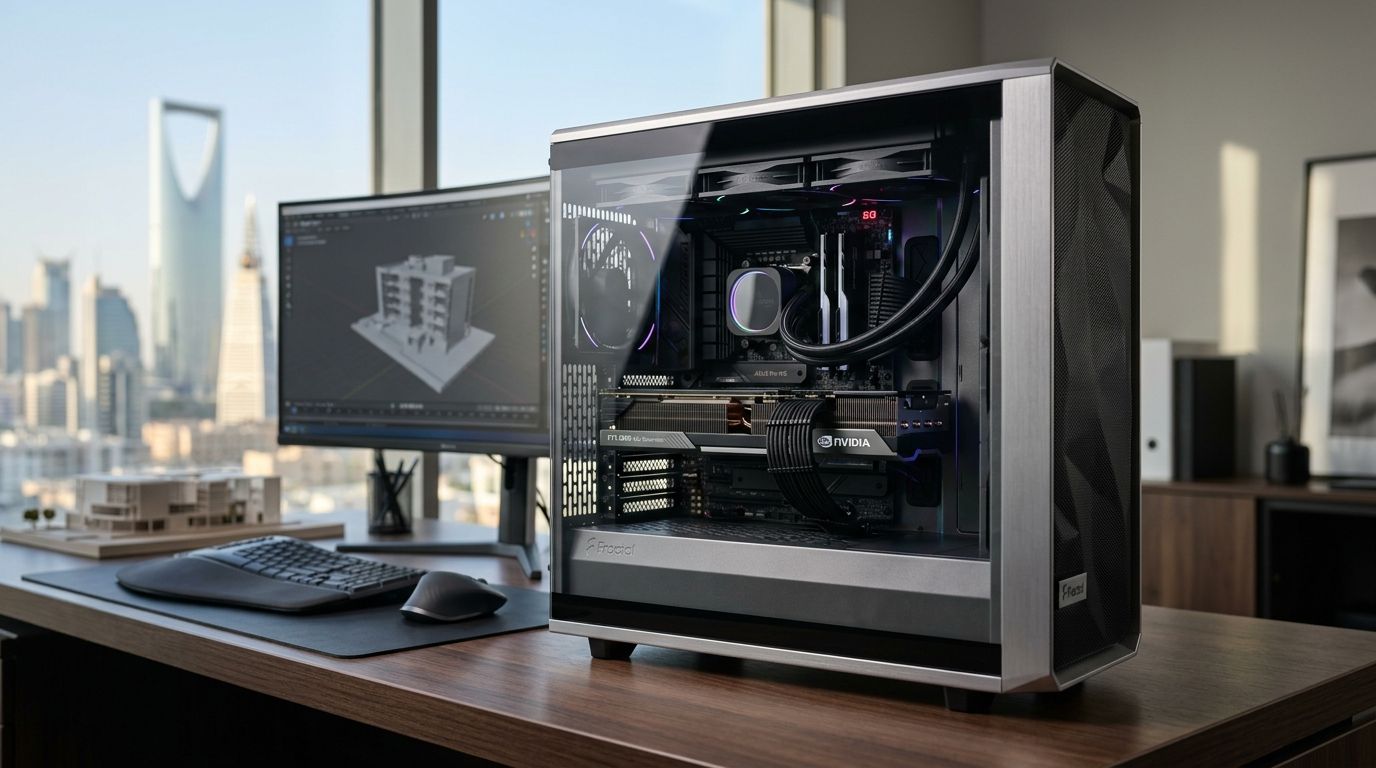
Choosing a workstation graphics card in Saudi Arabia in 2026 comes down to one question: what software will actually load on it. This guide ranks four cards that cover CAD, 3D rendering, video editing, and AI workloads so you buy VRAM and drivers matched to your actual pipeline, not marketing specs.
- NVIDIA RTX 5090 (32GB) is the best workstation graphics card for 3D rendering and AI training in 2026.
- NVIDIA RTX 5070 Ti (16GB) wins for CAD and BIM workflows where NVIDIA driver certification matters most.
- AMD Radeon RX 9070 XT (16GB) is the pick for video editing and color work outside CUDA-locked plugins.
- NVIDIA RTX 5060 (8GB) is the budget entry point for freelancers starting light workstation projects.
Why this matters
A workstation graphics card is not just a fast gaming GPU with a different sticker. VRAM capacity determines whether a CAD assembly or a render project actually opens without crashing, and driver certification decides whether Revit, SolidWorks or Adobe plugins run stable for eight hours a day. Buying the wrong card in 2026 means paying for gaming-tier RGB and clock speeds you'll never use while starving the actual workload of memory.
Most buyers shopping a workstation graphics card in Saudi Arabia in 2026 aren't running dedicated Quadro or Radeon Pro cards — they're repurposing high-VRAM consumer cards because the price-to-capability ratio is better for prosumer studios, architecture firms, and freelance editors. That's the lens this guide uses, and it's reflected across Gamerzone's graphics cards ranked by price, where VRAM tier tracks closely with what each card can actually handle.
Best overall for heavy 3D and AI: NVIDIA RTX 5090. Best for CAD and engineering: NVIDIA RTX 5070 Ti. Best for video editing: AMD Radeon RX 9070 XT. Best budget option: NVIDIA RTX 5060.
What makes the best workstation graphics card
- VRAM capacity — the single biggest factor for large assemblies, 4K timelines, and AI model loading.
- Driver certification — NVIDIA's driver stack has the longest track record with major CAD and BIM software.
- Sustained cooling — workstation loads run for hours, not minutes, so thermal headroom under a fixed clock matters more than peak boost numbers.
- Display output support — multi-monitor CAD and editing setups need enough outputs to drive 2-4 screens at once.
- Software compatibility — CUDA-only plugins in Adobe and some render engines still favor NVIDIA over AMD.
- Availability in KSA — a card that's out of stock for months isn't the best pick no matter the spec sheet.
At a glance
| Card | Best for | Standout feature | Key limitation |
|---|---|---|---|
| NVIDIA RTX 5090 | 3D rendering & AI workloads | 32GB GDDR7 VRAM | High power draw, needs strong cooling |
| NVIDIA RTX 5070 Ti | CAD & engineering | 16GB VRAM with mature CAD driver support | Can bottleneck on very large point-cloud files |
| AMD Radeon RX 9070 XT | Video editing & color work | 16GB VRAM, strong rasterization for the tier | CUDA-only plugins run slower or not at all |
| NVIDIA RTX 5060 | Budget entry-level workstation use | Lowest cost path into GPU-accelerated design | 8GB VRAM limits scaling to bigger projects |
1. NVIDIA RTX 5090: best workstation graphics card for 3D rendering and AI workloads
The RTX 5090 ships with 32GB of GDDR7 VRAM, enough headroom to keep large render scenes, simulation datasets, and AI model weights loaded without spilling into system memory. It's the card studios reach for when a project can't be split across multiple machines.
NVIDIA RTX 5090 pros:
- 32GB VRAM handles large scene files and local AI inference without swapping
- Strong CUDA acceleration for render engines like Redshift and OctaneRender
- Drives multiple 4K displays for multi-viewport CAD and VFX work
NVIDIA RTX 5090 cons:
- Highest power draw of the group, demands a robust PSU and case airflow
- Overkill for basic 2D drafting or office CAD tasks
- Stock can be tighter in the Saudi market than mid-tier cards
Best for: studios and engineers running heavy 3D rendering, simulation, or AI training. A prebuilt option is listed under Gamerzone's RTX 5090 gaming PC builds for buyers who want the card pre-integrated with matched cooling.
Verdict: Buy if your workload actually fills 24GB or more of VRAM regularly.
2. NVIDIA RTX 5070 Ti: best workstation graphics card for CAD and engineering
The RTX 5070 Ti carries 16GB of VRAM, which covers the vast majority of SolidWorks, AutoCAD, and Revit assemblies without hitting a memory wall. It draws less power than the RTX 5090, which makes it easier to cool in compact towers common in home-office workstation setups.
NVIDIA RTX 5070 Ti pros:
- 16GB VRAM covers most mid-to-large CAD and BIM assemblies
- Lower power draw than the RTX 5090, simpler thermal management
- NVIDIA's driver stack has a long certification history with major CAD software
NVIDIA RTX 5070 Ti cons:
- 16GB can still bottleneck very large point-cloud or VFX scenes
- Fewer display outputs than dedicated professional cards
- Not optimized for OpenCL-heavy render pipelines
Best for: architects, engineers, and product designers running CAD and BIM software daily. See the full breakdown on Gamerzone's RTX 5070 Ti graphics cards page.
Verdict: Buy for CAD-heavy workflows where 16GB is your working ceiling.
3. AMD Radeon RX 9070 XT: best workstation graphics card for video editing and color work
The RX 9070 XT pairs 16GB of GDDR6 VRAM with AMD's RDNA4 architecture, giving it enough headroom for multi-track 4K timelines in DaVinci Resolve and Premiere. AMD's color pipeline has traditionally suited broadcast and photo studios that don't lean on CUDA-specific plugins.
AMD Radeon RX 9070 XT pros:
- 16GB VRAM handles multi-track 4K editing timelines
- Competitive rasterization performance for its VRAM tier
- Strong value against NVIDIA cards at the same memory capacity
AMD Radeon RX 9070 XT cons:
- CUDA-only tools in Adobe and some render engines run slower or not at all
- Driver support for niche CAD packages lags behind NVIDIA
- Fewer certified workstation prebuilds ship with AMD by default
Best for: video editors, colorists, and photographers whose software doesn't depend on CUDA. Full specs are on Gamerzone's RX 9070 XT graphics cards page.
Verdict: Buy if your editing stack is CUDA-independent. Skip if your plugins are locked to CUDA.
4. NVIDIA RTX 5060: best budget workstation graphics card for starter setups
The RTX 5060 comes with 8GB of GDDR7 VRAM and low power draw, making it the cheapest realistic entry point into GPU-accelerated design work. It handles light CAD, 2D drafting, and basic video edits without issue, but it's the first card on this list to hit a memory ceiling on bigger projects.
NVIDIA RTX 5060 pros:
- Lowest cost entry into GPU-accelerated workstation tasks
- Low power draw fits small-form-factor builds
- Handles light CAD, 2D drafting, and basic 1080p-4K edits
NVIDIA RTX 5060 cons:
- 8GB VRAM is thin for large assemblies or heavy 4K multi-layer timelines
- Not suited to AI training or serious 3D rendering
- Will bottleneck quickly as project files scale up
Best for: freelancers, students, and small studios starting light workstation work in 2026.
Verdict: Buy for starter setups. Wait if you already know your files will outgrow 8GB within a year.
How we ranked these
Each card was placed by matching VRAM capacity and driver ecosystem to a distinct real-world workload — rendering and AI, CAD, video editing, and entry-level design — rather than ranking by raw benchmark scores. That's why the RTX 5090 doesn't automatically outrank the RTX 5070 Ti: a CAD user who never touches AI inference gains nothing from 32GB and pays for cooling they don't need.
“VRAM capacity decides whether your workstation graphics card finishes the job, not the boost clock on the box.”
Which workstation graphics card should you choose?
If you're rendering 3D scenes, training small AI models, or working with datasets that push past 20GB, buy the NVIDIA RTX 5090. If your day is CAD, BIM, or engineering software, the NVIDIA RTX 5070 Ti is the better-balanced pick for 2026. Video editors and colorists outside CUDA-locked pipelines get more value from the AMD Radeon RX 9070 XT, and anyone starting out on a lighter budget should look at the NVIDIA RTX 5060 with the understanding it won't scale past 8GB projects.
FAQ
What's the best workstation graphics card in Saudi Arabia in 2026?
The NVIDIA RTX 5090 is the best overall workstation graphics card in 2026 for 3D rendering and AI workloads thanks to its 32GB VRAM. For CAD and engineering work, the RTX 5070 Ti is the more balanced choice.
Is a gaming graphics card good enough for workstation work?
Yes, for most prosumer workloads. High-VRAM gaming cards like the RTX 5090 and RTX 5070 Ti handle CAD, rendering, and AI tasks well; dedicated professional cards mainly add certified drivers for niche enterprise software.
Is AMD or NVIDIA better for a workstation graphics card?
NVIDIA has stronger driver certification with CAD and CUDA-locked plugins, while AMD's Radeon RX 9070 XT competes well on video editing and color work at the same VRAM tier. The right pick depends on your software stack.
How much VRAM do I need for CAD software in 2026?
16GB covers most SolidWorks, AutoCAD, and Revit assemblies. Move up to 24GB or more only if you regularly work with large point-cloud or VFX-scale files.
Can the RTX 5060 handle video editing?
The RTX 5060 handles basic 1080p to 4K single-timeline edits, but its 8GB VRAM limits multi-track 4K projects. Editors working with heavier timelines should move to a 16GB card like the RX 9070 XT.
Why does VRAM matter more than clock speed for workstation use?
Workstation software loads entire scenes or assemblies into VRAM at once. Running out of memory causes crashes or forces slow system-RAM swapping, which hurts stability far more than a lower boost clock.
Do I need a certified professional GPU instead of a gaming card?
Only if your software vendor requires certified drivers for compliance or support reasons. Most freelancers and small studios in Saudi Arabia get equivalent performance from high-VRAM gaming cards at a better price-to-capability ratio.
One last thing
The detail buyers miss most in 2026: CUDA lock-in is still the deciding factor for a lot of creative software, not raw GPU power. A Radeon RX 9070 XT can match or beat an NVIDIA card on rasterization while still running noticeably slower inside a CUDA-dependent Adobe plugin — check your plugin list before you check the benchmark chart.


