
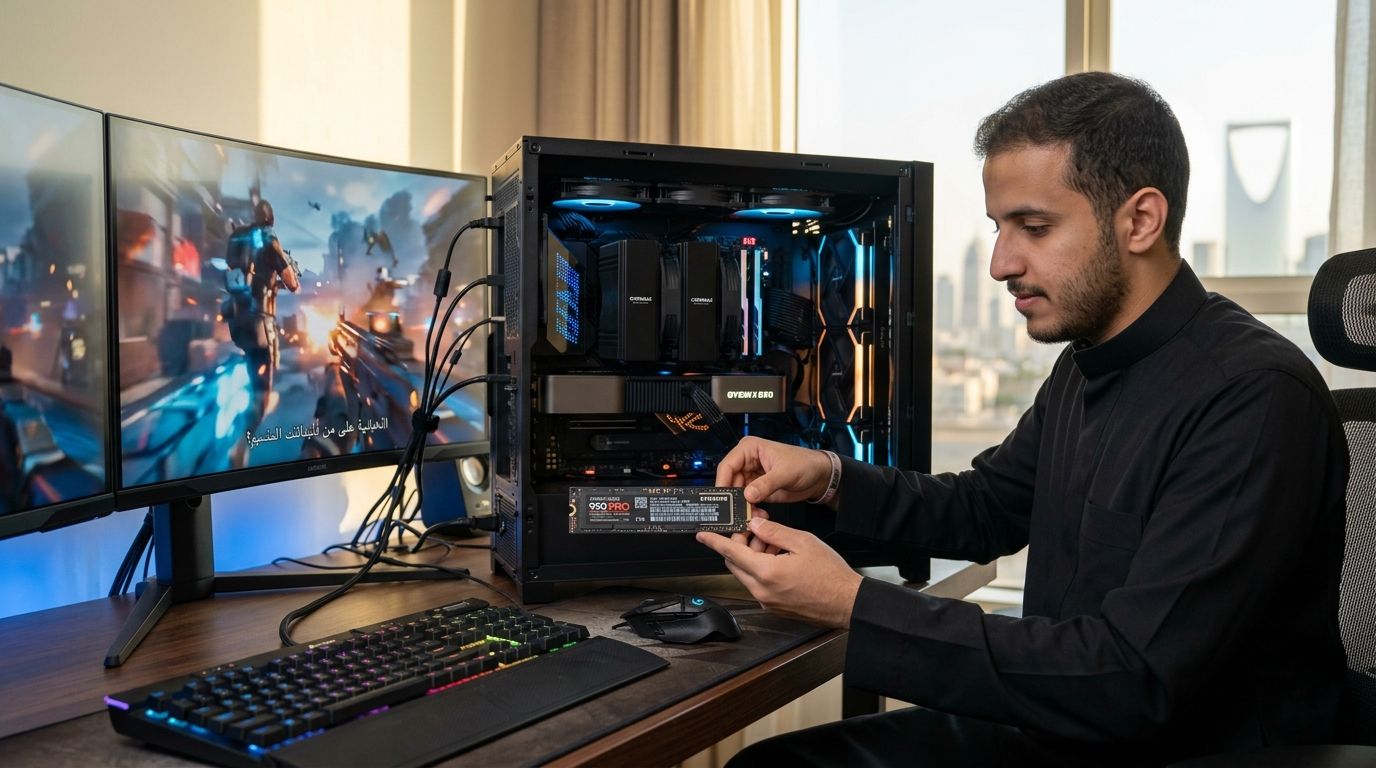
Picking the right SSD for gaming pc builds in Saudi Arabia in 2026 comes down to one question: how fast do you need your games to load, and how much do you need to store? This guide ranks the SSD types that matter for gaming PCs sold and built in KSA right now, with a clear verdict for each.
- PCIe Gen4 NVMe (1TB) is the best overall ssd for gaming pc builds in 2026 for most players.
- PCIe Gen5 NVMe only pays off on new Gen5-ready motherboards; hold off otherwise.
- SATA III SSDs still beat any hard drive for budget or older gaming PCs.
- 2TB+ NVMe drives solve the storage crunch from oversized 2026 AAA installs.
- Heatsink-equipped NVMe drives matter most in tight SFF and mini-ITX builds.
Why this matters
The SSD is the component gamers upgrade last and regret ignoring first. A slow drive doesn't just add seconds to load screens — it bottlenecks texture streaming in open-world titles and slows Windows itself every time you boot.
In 2026, most gaming PCs shipped from Gamerzone's gaming PC lineup default to PCIe NVMe drives as boot storage, and that's the right baseline. The decision that actually matters is which NVMe tier, or whether SATA still makes sense for your build.
What makes the best SSD for gaming PC
- Interface and lane generation — SATA III, PCIe Gen4, or PCIe Gen5 sets the hard speed ceiling.
- Sequential and random read/write speeds — determines load times and how fast textures stream in.
- Capacity fit — matched to how many AAA titles you keep installed at once.
- Thermal behavior — whether the drive throttles under sustained writes in your case.
- Platform compatibility — your motherboard and CPU decide which generation you can actually use.
- Price-to-performance — the fastest tier isn't always the one your build needs.
SSD types for gaming PCs at a glance
| Type | Best for | Standout feature | Key limitation |
|---|---|---|---|
| PCIe Gen4 NVMe (1TB) | Best overall gaming pc ssd | ~7,000 MB/s sequential read | Needs a PCIe 4.0 M.2 slot |
| PCIe Gen5 NVMe | Best for future-proof, top-tier builds | ~14,000 MB/s sequential read | Runs hot, needs a Gen5 platform |
| SATA III SSD | Best budget upgrade from HDD | ~550 MB/s, works in almost any PC | Slowest of the SSD tiers |
| High-capacity NVMe (2TB+) | Best for large game libraries | Keeps more AAA titles installed at once | Cost scales with capacity |
| NVMe with heatsink | Best for SFF/mini-ITX builds | Stable speeds under sustained load | Heatsink clearance issues in tight cases |
1. PCIe Gen4 NVMe SSD (1TB): best SSD for gaming PC overall
A PCIe Gen4 NVMe drive connects through the M.2 slot and pushes sequential reads toward 7,000 MB/s, roughly 12x faster than SATA III. It's the default boot and game drive on almost every current gaming PC platform in 2026, from mid-range to high-end.
PCIe Gen4 NVMe pros:
- Cuts load times noticeably versus SATA in large open-world titles
- Supported by nearly every motherboard built since 2021
- Runs cooler than Gen5 while still far outpacing SATA
- Balanced fit for both gaming and general system responsiveness
PCIe Gen4 NVMe cons:
- Requires a free M.2 slot wired for PCIe 4.0, not just physically compatible
- Can warm up during long, sustained game installs without a heatsink
- Real-world gains over Gen3 are hard to notice in many individual titles
PCIe Gen4 NVMe pricing: check current listings on the store for exact model pricing.
Best for: the default choice for most gaming PC builds in 2026.
Verdict: Buy.
2. PCIe Gen5 NVMe SSD: best for future-proofing a top-tier build
Gen5 doubles Gen4's bandwidth, with sequential reads approaching 14,000 MB/s on supported platforms. It only works on motherboards and CPUs built with Gen5 M.2 lanes, which narrows it to newer high-end systems.
PCIe Gen5 NVMe pros:
- Highest throughput available for asset streaming and large file transfers
- Headroom for future titles and creative workloads that saturate today's Gen4 drives
- Pairs naturally with flagship builds like RTX 5090 gaming PCs
- Useful outside gaming too, for video editing or large asset libraries
PCIe Gen5 NVMe cons:
- Runs noticeably hotter, usually needs a dedicated heatsink to avoid throttling
- Few games in 2026 actually push past what Gen4 already delivers
- Only works on newer motherboard platforms, which raises the total build cost
Best for: gamers building a new top-tier system from scratch, not upgraders.
Verdict: Buy if you're on a new Gen5 platform. Hold otherwise.
3. SATA III SSD: best budget upgrade from a hard drive
SATA III SSDs cap out around 550 MB/s sequential, a hard ceiling set by the interface itself. That's slow next to NVMe, but it's still a massive jump over any spinning hard drive still running in older gaming PCs.
SATA III SSD pros:
- Dramatic upgrade over a mechanical hard drive at low cost
- Works in almost any PC, including systems without free M.2 slots
- Simple to install with a standard SATA cable and mounting bracket
- Produces very little heat, no thermal throttling to worry about
SATA III SSD cons:
- Far slower than NVMe for game load times and Windows boot speed
- Most current gaming PC cases offer fewer SATA bays than they used to
- Not the right choice as a primary drive on a new 2026 build
Best for: reviving an older PC or adding cheap secondary storage.
Verdict: Buy for budget or older systems. Skip on a new build.
4. High-capacity NVMe SSD (2TB+): best for large game libraries
Same NVMe interface, bigger capacity tier. This is the pick for players who install multiple AAA titles at once — many 2026 releases now demand well over 100GB each, and a 512GB or 1TB drive fills up fast.
High-capacity NVMe pros:
- Avoids the constant uninstall-reinstall cycle to free up space
- Keeps multiple large titles and live-service games installed simultaneously
- Single-drive simplicity instead of juggling a boot drive and a games drive
High-capacity NVMe cons:
- Cost climbs with every capacity step up
- Budget motherboards sometimes offer only one fast M.2 slot, so capacity planning matters upfront
- Larger drives can run warmer under sustained large-file writes
Best for: players with sprawling libraries or multiple installed live-service titles.
Verdict: Buy.
5. M.2 NVMe with heatsink: best for compact and mini-ITX builds
Small-form-factor cases restrict airflow, and that's exactly where a bare NVMe drive throttles under sustained load. A drive with an integrated or add-on heatsink keeps transfer speeds stable when case space is tight.
Heatsink NVMe pros:
- Manages thermal throttling where airflow is limited
- Keeps sustained transfer speeds stable during long installs or downloads
- Fits the growing number of mini-ITX gaming builds in 2026
Heatsink NVMe cons:
- Added thickness can conflict with GPU backplates or case clearance
- No real benefit in open-air ATX cases with good airflow already
- Worth checking motherboard M.2 slot clearance before buying
Best for: SFF and mini-ITX gaming PC builders.
Verdict: Buy for SFF builds. Skip on standard ATX towers.
How this ranking was built
Each tier is ranked against the six criteria above: interface speed, real-world load-time impact, capacity fit, thermal behavior, platform compatibility, and price-to-performance for the build tier it serves. No single SSD type wins every category — that's why the list reads as a decision tree, not a leaderboard.
“The fastest SSD on paper is the wrong buy if your motherboard can't run it at full speed.”
Which SSD should you choose?
Default to a PCIe Gen4 NVMe drive around 1TB if you're building or buying a gaming PC in 2026 and don't have a specific reason to go elsewhere. Step up to Gen5 only if your motherboard and CPU already support it and you're building a top-tier system, such as one paired with an RTX 5070 Ti graphics card. Go high-capacity (2TB+) if your game library already runs past a handful of AAA titles, and stick with SATA III only for reviving an older system on a tight budget.
Build your SSD-ready gaming PC
Browse pre-built and custom gaming PCs configured with NVMe storage.
FAQ
What's the best SSD for gaming PC builds in 2026?
A PCIe Gen4 NVMe drive around 1TB is the best overall ssd for gaming pc builds in 2026 for most players. It balances load-time gains with broad motherboard compatibility.
Is PCIe Gen5 worth it for gaming in 2026?
Only if your motherboard and CPU already support Gen5 lanes. Most games in 2026 don't yet saturate Gen4 bandwidth, so Gen5 mainly benefits future-proofing and heavy multitasking.
How much SSD storage does a gaming pc need in 2026?
1TB covers a handful of installed titles comfortably, but players with multiple AAA or live-service games installed at once should look at 2TB or more. Many 2026 game installs exceed 100GB each.
Is a SATA SSD good enough for gaming?
A SATA III SSD works fine as secondary storage or on an older PC without a free M.2 slot, but it caps out around 550 MB/s. It's not the right choice as a primary drive on a new 2026 build.
Does SSD speed affect FPS in games?
SSD speed doesn't change in-game frame rate directly, but it does affect load times and how fast textures stream in during gameplay. Stutter from asset streaming is more common on slow drives in open-world titles.
Should I get one large SSD or two smaller ones?
One larger NVMe drive is simpler and avoids splitting your library across a boot drive and a games drive. Two drives only make sense if your motherboard offers multiple fast M.2 slots and you want to separate the OS from games.
Do I need a heatsink on my NVMe SSD?
A heatsink matters most in small-form-factor or mini-ITX cases with limited airflow, where a bare drive can throttle under sustained writes. In a standard ATX tower with good airflow, it's less critical.
What's the difference between NVMe and SATA SSD for gaming?
NVMe connects through the M.2 slot on PCIe lanes and reaches thousands of MB/s, while SATA III is capped near 550 MB/s. NVMe wins on load times; SATA wins on compatibility with older systems.
One last thing
Windows 11's DirectStorage API lets NVMe drives feed game assets straight to the GPU with far less CPU overhead than older storage paths — a benefit SATA drives simply can't deliver. If you're pairing a new SSD with a GPU upgrade in 2026, like one from the RTX 5060 lineup, buying NVMe over SATA pays off more than the raw benchmark numbers suggest.


