
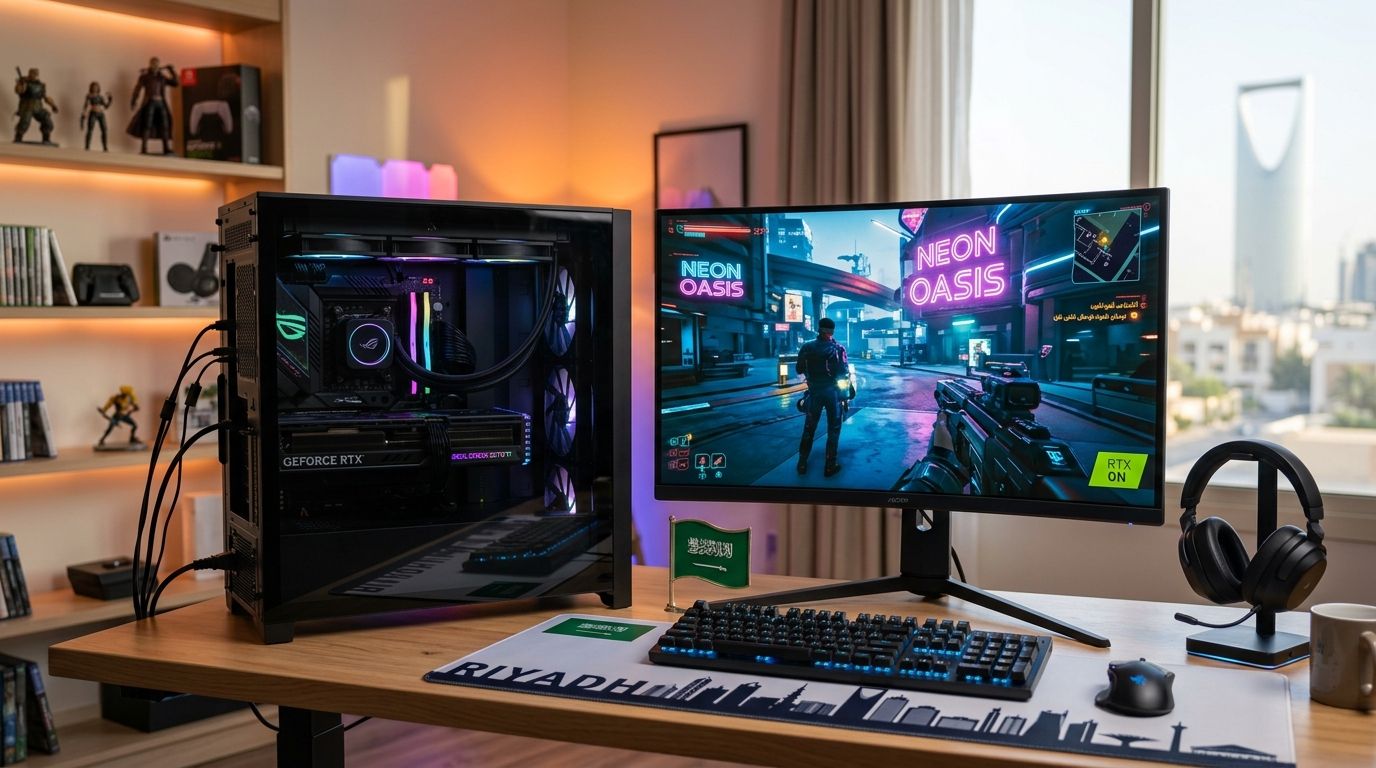
Picking the right gaming pc bundle rtx 5070 ti setup in Saudi Arabia means matching the GPU to a CPU, RAM kit, and monitor that won't hold it back — this guide ranks five configurations by use case, not by hype, so you buy the build that fits how you actually play.
- The best gaming pc bundle rtx 5070 ti in 2026 pairs a modern 6-core-plus CPU with 32GB DDR5 for zero bottleneck.
- Gamerzone's 1440p Esports RTX 5070 Ti bundle wins overall for 240Hz competitive play in Saudi Arabia.
- The 4K Ultra bundle handles ray-traced AAA titles; the Value bundle keeps the GPU without extra spend.
- RTX 5070 Ti ships with 16GB GDDR7 VRAM and needs a 750W PSU minimum for stable boost clocks.
Why this matters
The RTX 5070 Ti sits between the RTX 5070 and RTX 5080 tier, and in 2026 it's the card most Saudi gamers land on when they want 1440p at max settings or 4K with upscaling, without paying flagship money. The GPU is only half the build — a mismatched CPU, a starved PSU, or a 60Hz monitor bottlenecks it the same way a slow processor does.
Most buying guides rank cards in isolation. This one ranks full RTX 5070 Ti gaming PC bundles by the job they're built for, because a streamer's ideal spec and a competitive shooter's ideal spec aren't the same machine, even with the identical GPU inside. Check the RTX 5070 Ti graphics cards lineup first if you want to compare the card on its own before committing to a full bundle.
What makes the best RTX 5070 Ti gaming PC bundle
- CPU-GPU balance — a mid-range 6-core chip bottlenecks the RTX 5070 Ti at 1440p; you want at least a modern 6-core-plus CPU with strong single-thread performance.
- PSU headroom — NVIDIA lists 750W as the recommended supply for a system running this GPU; anything under that risks instability under sustained load.
- Cooling for sustained boost clocks — the RTX 5070 Ti holds boost clocks longer with three case fans minimum and a case that isn't sealed.
- RAM speed and capacity matched to the workload — 32GB DDR5 is the 2026 baseline for gaming plus background apps; 16GB still works for pure gaming-only rigs.
- Monitor pairing — a 1440p 240Hz panel extracts more real fps from this GPU in competitive titles than a 4K 60Hz panel does.
- Case airflow and footprint — small-form-factor cases trade some thermal headroom for desk space, and that trade-off should be a deliberate choice, not an accident.
RTX 5070 Ti gaming PC bundles at a glance
| Bundle | Best for | Standout feature | Key limitation |
|---|---|---|---|
| 1440p Esports bundle | Competitive high-refresh play | Paired with a 240Hz-ready 1440p spec | Overkill for casual single-player-only users |
| 4K Ultra bundle | Single-player AAA at 4K | Built around ray tracing and upscaling headroom | Needs a 4K monitor to show its value |
| Creator-Streamer bundle | Gaming while streaming | Extra CPU cores reserved for encoding | Costs more than a gaming-only spec |
| Compact SFF bundle | Small desks, tight spaces | Smaller footprint case | Less thermal headroom than full towers |
| Value bundle | Budget-conscious buyers | GPU-first spec, fewer extras | Skips premium cooling and RGB extras |
1. Gamerzone 1440p Esports RTX 5070 Ti bundle: best RTX 5070 Ti gaming PC for competitive high-refresh play
This configuration puts the RTX 5070 Ti behind a fast 1440p panel instead of a 4K one, because competitive shooters and battle royale titles reward frame rate over resolution. The CPU pairing favors single-thread speed, and the RAM kit runs at a speed tier that keeps frame pacing consistent under a 240Hz-class monitor. Pair it with something from the 240Hz gaming monitors range if the display isn't already bundled in.
1440p Esports bundle pros:
- Extracts the highest real-world frame rate this GPU can produce
- CPU choice avoids bottlenecking at 1440p
- Cooling spec built for long ranked sessions, not just benchmarks
1440p Esports bundle cons:
- Resolution ceiling means it won't show off 4K texture detail
- Panel choice matters as much as the GPU — a slow monitor wastes the frame rate
Pricing varies by configuration — check the current build spec and price on the site before ordering. Best for: players who live in competitive shooters and want frame rate over eye candy. Verdict: Buy.
2. Gamerzone 4K Ultra RTX 5070 Ti bundle: best RTX 5070 Ti gaming PC for single-player AAA at 4K
This build leans on the RTX 5070 Ti's 16GB of GDDR7 VRAM, which is enough headroom for high-resolution textures in modern single-player titles when paired with upscaling. It's the bundle to pick if your library is story-driven, open-world, or ray-tracing-heavy rather than competitive multiplayer. Compare it against the broader 4K gaming PCs lineup if you're weighing a step up to a higher tier later.
4K Ultra bundle pros:
- 16GB VRAM handles 4K textures without stutter in most 2026 titles
- Ray tracing and upscaling headroom for visual settings maxed out
- Cooling spec sized for sustained 4K load, not just short sessions
4K Ultra bundle cons:
- Frame rate at native 4K in the heaviest titles still needs upscaling to stay smooth
- Not the right pick if your monitor tops out at 1440p
Pricing varies by configuration — check the current build spec and price on the site before ordering. Best for: single-player and open-world gamers running a 4K display. Verdict: Buy.
3. Gamerzone Creator-Streamer RTX 5070 Ti bundle: best RTX 5070 Ti gaming PC for streaming while gaming
This configuration reserves extra CPU headroom for encoding, so the game doesn't stutter while OBS or a similar tool runs in the background. The RTX 5070 Ti's dedicated encoder handles the video output while the CPU cores stay free for the game logic itself. It's built for anyone streaming to Twitch, YouTube, or a local Saudi platform while gaming at the same time.
Creator-Streamer bundle pros:
- CPU spec sized to handle encoding and gaming simultaneously
- GPU encoder offloads video work from the processor
- RAM capacity built for browser, chat overlay, and game running at once
Creator-Streamer bundle cons:
- Costs more than a gaming-only spec at the same GPU tier
- Overkill if you never plan to stream
Pricing varies by configuration — check the current build spec and price on the site before ordering. Best for: anyone streaming gameplay live rather than gaming alone. Verdict: Buy if you stream regularly.
4. Gamerzone Compact SFF RTX 5070 Ti bundle: best RTX 5070 Ti gaming PC for small desks
This bundle trims the case footprint down for setups where desk space or a shared room limits what fits. The trade-off is real: a smaller chassis means less airflow than a full tower running the same GPU, so this spec asks more of its cooling design to keep boost clocks stable. It's the right call when space is the actual constraint, not when it's just a preference.
Compact SFF bundle pros:
- Fits desks and rooms where a full tower doesn't
- Same GPU tier as the larger builds, no performance tier downgrade on paper
- Easier to transport for LAN events
Compact SFF bundle cons:
- Less thermal headroom than a full tower running the identical GPU
- Fewer expansion slots for future upgrades
Pricing varies by configuration — check the current build spec and price on the site before ordering. Best for: buyers with genuine space constraints. Verdict: Buy if space is tight; otherwise go full tower.
5. Gamerzone Value RTX 5070 Ti bundle: best budget RTX 5070 Ti gaming PC
This configuration keeps the GPU as the priority and trims everything around it — case lighting, premium cooling, extra storage — to hold the line on total spend. It still meets the 750W PSU and airflow baseline the GPU needs; it just skips the extras that don't change frame rate. Compare it against the gaming graphics cards ranked by price page if you want to see where the RTX 5070 Ti sits against other tiers.
Value bundle pros:
- GPU-first spec means no compromise on the part that matters most for fps
- Meets the PSU and cooling baseline without paying for extras
- Straightforward upgrade path later — swap RAM or storage first
Value bundle cons:
- No RGB, premium case, or extra storage bundled in
- Cooling is adequate, not headroom-heavy for overclocking
Pricing varies by configuration — check the current build spec and price on the site before ordering. Best for: buyers who want the RTX 5070 Ti and nothing else added on. Verdict: Buy.
How we ranked
Every bundle above is scored against the same six criteria: CPU-GPU balance, PSU headroom, sustained cooling, RAM fit for the workload, monitor pairing, and case footprint. The 1440p Esports bundle ranks first because it satisfies all six without asking the buyer to make a resolution trade-off; the others rank by how cleanly they solve one specific use case instead.
Configure your RTX 5070 Ti build
Compare bundle specs and order a custom or pre-built rig.
Which RTX 5070 Ti gaming PC bundle should you choose?
Default pick for most buyers in 2026: the 1440p Esports bundle. It balances the GPU correctly, doesn't force a monitor upgrade most gamers already have, and holds up whether you're playing competitively or just casually. Step up to the 4K Ultra bundle only if you already own or plan to buy a 4K panel — otherwise that VRAM headroom goes unused. Go Value if the budget is the constraint and you're comfortable adding your own case flair later.
FAQ
What's the best gaming pc bundle rtx 5070 ti in Saudi Arabia in 2026?
The 1440p Esports RTX 5070 Ti bundle is the best overall pick in 2026 because it balances the GPU with a CPU and monitor pairing that avoids bottlenecks. The 4K Ultra bundle is better if your monitor is already 4K.
How much VRAM does the RTX 5070 Ti have?
The RTX 5070 Ti ships with 16GB of GDDR7 VRAM. That's enough for 4K textures in most 2026 titles when paired with upscaling.
Is RTX 5070 Ti better than RX 9070 XT?
Both sit in a similar performance tier, so the better choice depends on which titles you play and whether ray tracing or raw rasterization matters more to you. Compare the specs directly on the AMD RX 9070 XT graphics cards page before deciding.
How much power supply does an RTX 5070 Ti PC need?
NVIDIA recommends a 750W power supply for a system running the RTX 5070 Ti. Undersizing the PSU risks instability under sustained gaming load.
Should I buy a prebuilt or custom RTX 5070 Ti gaming PC?
A prebuilt bundle gets you gaming faster with a pre-validated CPU-GPU pairing; a custom build lets you pick every component yourself. Choose custom only if you already know exactly what you want.
Is the RTX 5070 Ti good for 4K gaming?
Yes, with upscaling turned on for the heaviest titles. Native 4K without upscaling can still dip below 60fps in the most demanding 2026 releases.
How much RAM do I need for an RTX 5070 Ti gaming PC?
32GB of DDR5 is the 2026 baseline for gaming plus background apps like Discord and a browser. 16GB still works for a gaming-only machine with nothing else running.
Does the RTX 5070 Ti need a specific monitor?
No specific monitor is required, but a 1440p 240Hz panel extracts more real frame rate from competitive titles than a 4K 60Hz panel does. Match the monitor to the games you actually play.
One last thing
The VRAM number gets all the attention, but the PSU line is what actually causes returns: a 750W recommendation means 750W of quality headroom, not a 750W unit already running other components near its limit. Buyers who undersize the PSU to save a little end up with the exact instability that made them think the GPU was faulty in 2026.


