
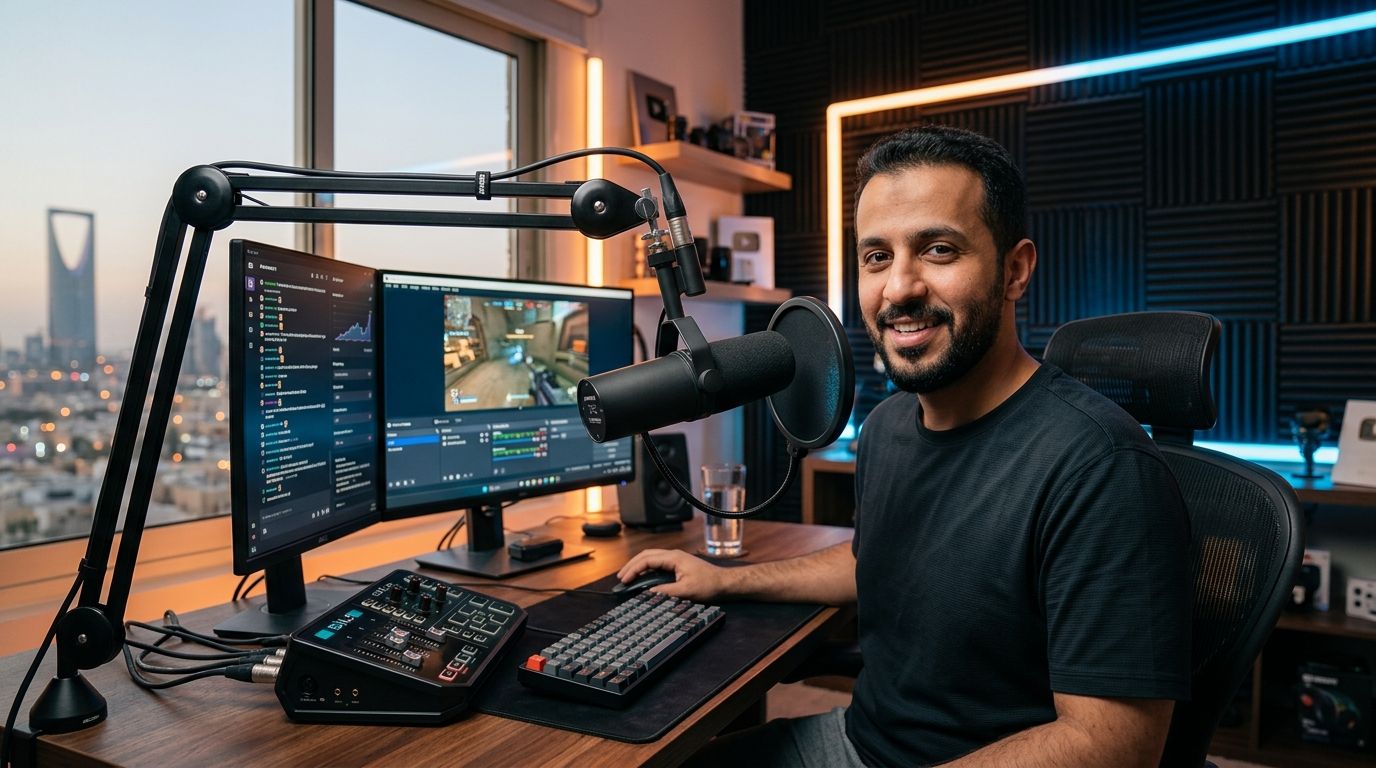
Best overall: Shure MV7 for creators who want a mic that scales from USB plug-and-play into a full XLR setup later. Best for gaming streams: HyperX QuadCast S for its RGB feedback and four switchable pickup patterns. Best budget option: Razer Seiren V3 Mini for anyone starting a channel in 2026 without buying a mixer or interface.
- Shure MV7 wins overall for creators upgrading from USB to XLR audio without buying a new mic.
- HyperX QuadCast S is the best microphone for streaming gaming sessions where visible RGB status matters.
- Razer Seiren V3 Mini is the cheapest real entry point for a new streaming setup in 2026.
- Every mic on this list needs a cardioid or supercardioid pattern to cut fan and AC noise in Saudi home studios.
- None of these mics fix a bad room - a $5 foam panel behind your desk does more than a $200 upgrade.
Why this matters
A weak microphone is the fastest way to lose a viewer in the first ten seconds of a stream, long before your gaming PC's frame rate matters. Audio quality on Twitch, Kick, and YouTube gets judged instantly - clipping, hiss, or room echo reads as amateur even when the gameplay is sharp on a 240Hz gaming monitor.
Riyadh and Jeddah apartments with tile floors and central AC units are rough rooms for condenser mics - they pick up compressor hum and echo off hard surfaces. Picking the right polar pattern and connection type in 2026 matters more than chasing the highest price tag. Gamerzone.sa stocks the rest of the streaming rig - PCs, monitors, and seating - so this guide focuses only on the microphone decision.
What makes the best streaming microphone
- Polar pattern control - cardioid or supercardioid rejects side and rear noise; omni and bidirectional only help for interviews or co-streams.
- Connection type - USB is plug-and-play; XLR through an interface gives more control but adds a step.
- Background noise rejection - matters more in untreated rooms than in studios with acoustic panels.
- Onboard controls - gain dials and mute buttons save you from digging through OBS mid-stream.
- Desk footprint - a boom arm or small stand matters when you're also running two or three monitors.
- Software dependency - some mics need a companion app for mixing; others work the moment you plug in.
Best streaming microphones in 2026 at a glance
| Microphone | Best for | Standout feature | Key limitation |
|---|---|---|---|
| Shure MV7 | Scaling to XLR later | Dual USB/XLR connectivity | Dynamic capsule needs more gain |
| HyperX QuadCast S | Gaming streams with RGB | Four patterns, tap-to-mute top | USB-only, no XLR path |
| Elgato Wave:3 | Software-based audio mixing | Wave Link app routing | Cardioid-only, setup takes longer |
| Blue Yeti | Beginners testing formats | Four patterns, onboard controls | Sensitive to room noise |
| RODE NT-USB Mini | Tight, multi-monitor desks | Magnetic mount, built-in pop filter | Fixed cardioid, no gain dial |
| Razer Seiren V3 Mini | First setup on a budget | Tap-to-mute LED, compact size | Single pattern, picks up hum |
1. Shure MV7: best streaming microphone for creators planning to upgrade
The Shure MV7 is a dynamic microphone that runs over USB out of the box and switches to XLR the moment you add an audio interface or mixer. Its cardioid capsule rejects room echo better than most condensers in the same category, which matters in tiled Saudi apartments without acoustic treatment. A touch panel handles gain and monitoring without opening software.
Shure MV7 pros:
- Works USB-only for beginners, XLR-ready for later upgrades
- Dynamic capsule handles echoey, untreated rooms well
- No driver installation needed for most streaming software
Shure MV7 cons:
- Dynamic capsules need more gain than condenser mics, so a quiet voice needs a boost
- Heavier build needs a solid boom arm, not a lightweight desk stand
- No RGB or visual customization for on-camera branding
Best for: streamers who expect to add a mixer or interface within a year. Verdict: Buy.
2. HyperX QuadCast S: best microphone for streaming gaming sessions
The QuadCast S is a USB condenser with four selectable polar patterns - cardioid, bidirectional, omnidirectional, and stereo - switched with a single tap, no software required. A built-in shock mount cuts desk vibration and keyboard thump, and RGB lighting on the body can reflect mute status on camera.
HyperX QuadCast S pros:
- Pattern switching without opening any app
- Shock mount reduces mechanical keyboard noise bleeding into the feed
- RGB lighting doubles as a visible mute indicator for viewers
HyperX QuadCast S cons:
- Condenser capsule still picks up room echo in untreated spaces
- USB-only, no path to XLR later
- Larger body takes more desk space than compact alternatives
Best for: gaming streamers who want visible mic branding and fast pattern changes mid-session. Verdict: Buy.
3. Elgato Wave:3: best for software-based audio mixing
The Wave:3 pairs a USB condenser capsule with the Wave Link app, which routes game audio, mic input, and Discord voice into separate channels without a physical mixer sitting on the desk. A capacitive mute button avoids the click noise of mechanical mute switches.
Elgato Wave:3 pros:
- Wave Link software replaces a hardware mixer for multi-source audio
- Capacitive mute button is silent on stream
- Clip guard technology prevents distortion spikes automatically
Elgato Wave:3 cons:
- Cardioid-only pattern limits use to solo streaming
- First-time setup takes longer than plug-and-play mics
- No XLR upgrade path if you outgrow USB
Best for: solo streamers who need to balance game audio and voice chat without buying extra hardware. Verdict: Buy.
4. Blue Yeti: best all-purpose microphone for beginners
The Blue Yeti offers four selectable polar patterns - cardioid, omnidirectional, bidirectional, and stereo - with onboard gain and mute dials and no companion software needed. It works across streaming, podcasting, and voiceover without buying a second mic.
Blue Yeti pros:
- Four patterns cover solo streaming, interviews, and co-stream setups
- Onboard gain and mute controls, no app dependency
- Broad compatibility with OBS, Streamlabs, and Discord out of the box
Blue Yeti cons:
- Sensitive condenser capsule amplifies AC hum and fan noise in untreated rooms
- Bulkier stand takes real desk space next to a monitor setup
- No XLR path for future studio upgrades
Best for: creators still testing formats before committing to one setup. Verdict: Buy.
5. RODE NT-USB Mini: best for tight, multi-monitor desks
The NT-USB Mini is a compact cardioid condenser with a magnetic desk mount and a built-in pop filter, connecting over USB-C. Its small footprint fits desks already crowded with two or three monitors and a full-size keyboard.
RODE NT-USB Mini pros:
- Small footprint suits dual or triple-monitor streaming desks
- Magnetic mount keeps cable routing tidy on camera
- Built-in pop filter cuts plosives without a separate accessory
RODE NT-USB Mini cons:
- Fixed cardioid pattern only, no flexibility for co-streams
- No onboard gain dial, all adjustment happens in software
- Sits close to the mouth, which can look intrusive on camera
Best for: streamers with limited desk space running multiple monitors. Verdict: Buy.
6. Razer Seiren V3 Mini: best budget streaming microphone
The Seiren V3 Mini is a compact USB condenser with a supercardioid pattern for tight voice pickup and a tap-to-mute panel with an LED indicator. It's the smallest and lightest mic on this list, easy to mount on a basic boom arm without a heavy counterweight.
Razer Seiren V3 Mini pros:
- Small, light enough for basic boom arms
- Tap-to-mute LED shows mute status clearly on camera
- Lowest cost of entry for a first real streaming setup
Razer Seiren V3 Mini cons:
- Single fixed pattern limits use beyond solo streaming
- Condenser capsule picks up background hum in noisy rooms
- No XLR path if you want to upgrade later
Best for: new streamers building a first setup on a tight budget. Verdict: Buy.
How we ranked these
Each microphone was scored against the six criteria above: pattern control, connection type, noise rejection, onboard controls, desk footprint, and software dependency. Items that forced a compromise on more than one criterion dropped in rank, even when the brand name is well known.
“If your mic can't reject keyboard clatter and AC hum, no amount of gaming PC upgrade fixes the stream's audio.”
Build the rest of your streaming setup
Browse gaming PCs, monitors, and accessories on Gamerzone.
Which streaming microphone should you choose?
Pick the Shure MV7 if you plan to grow your channel and eventually add a mixer or interface - it's the only mic here with a real XLR upgrade path. Choose the HyperX QuadCast S if gaming content is the focus and you want visible RGB feedback on camera. Go with the Razer Seiren V3 Mini if 2026 is your first year streaming and the budget needs to stretch across a mic, a gaming PC, and a decent chair. Whatever you pick, none of these mics fix a bad room on their own - a $5 foam panel behind the desk does more than a $200 upgrade.
FAQ
What's the best microphone for streaming in 2026?
The Shure MV7 is the best overall streaming microphone in 2026 because it works over USB now and switches to XLR later without buying a new mic. Gaming-focused streamers often prefer the HyperX QuadCast S for its RGB status lighting.
Is a USB or XLR microphone better for streaming?
USB microphones are better for most streamers starting out because they need no extra hardware. XLR microphones need an audio interface or mixer but give more control once your setup grows past a single mic.
Do I need a condenser or dynamic microphone for streaming?
Condenser microphones pick up more detail but also more room noise, which is a problem in untreated apartments. Dynamic microphones like the Shure MV7 reject background noise better and suit rooms with hard floors or open windows.
Can I use a gaming headset mic instead of a dedicated microphone?
A headset mic works for casual voice chat but sounds thin and noisy compared to a dedicated USB or XLR microphone on stream. Viewers notice the audio gap faster than they notice a lower frame rate.
How much desk space does a streaming microphone need?
Compact mics like the RODE NT-USB Mini or Razer Seiren V3 Mini fit on desks already crowded with two or three monitors. Larger mics like the Blue Yeti or HyperX QuadCast S need a boom arm to avoid taking up monitor space.
What polar pattern is best for solo streaming?
Cardioid or supercardioid patterns are best for solo streaming because they pick up your voice while rejecting noise from the sides and rear. Omnidirectional and bidirectional patterns only help for co-streams or interviews.
Does a microphone upgrade matter more than a GPU upgrade for streaming?
Audio quality affects viewer retention faster than frame rate does, since bad mic audio is noticeable in the first few seconds. A balanced setup still needs enough GPU power to encode and stream without dropped frames.
One last thing
Most new streamers spend their first budget on the microphone and their second on a better GPU - the order should be reversed if the room itself is untreated. A $200 condenser mic in a tiled, echoey room sounds worse than a $70 dynamic mic in the same space, because the capsule type matters more than the price tag once room noise enters the picture in 2026.


