
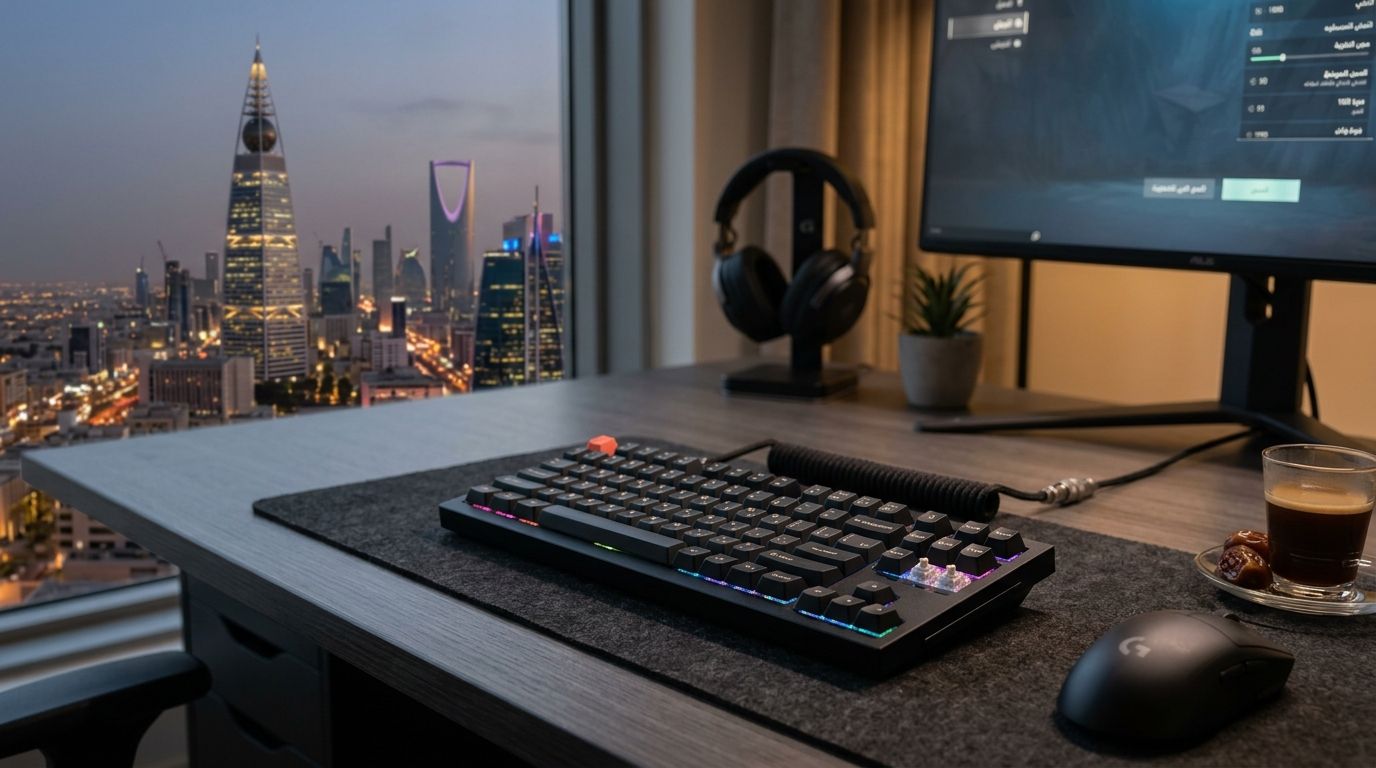
Magnetic switch keyboards - built on Hall effect sensors instead of physical metal contacts - are becoming the default choice for players who care about reaction time, and 2026 has brought real competition among the models worth buying in Saudi Arabia.
Best overall: Wooting 60HE+. Best for full-size gaming and office typing: SteelSeries Apex Pro TKL. Best for custom-build enthusiasts: Keychron Q1 HE. Best for full-size RGB setups: Corsair K70 Max. Best for a minimalist all-in-one desk: NZXT Function2 MiniTKL HE.
- Wooting 60HE+ is the best magnetic switch gaming keyboard overall for competitive FPS players in 2026.
- SteelSeries Apex Pro TKL suits players who type all day and game at night on the same board.
- Keychron Q1 HE brings Hall effect switches to a gasket-mount enthusiast build.
- Every board on this list uses adjustable actuation and rapid trigger, the two features that define this category in 2026.
- Gamerzone.sa carries gaming accessories including keyboards for buyers building a full setup in Saudi Arabia.
Why this matters
A magnetic switch gaming keyboard reads how far a key has traveled using a magnet and a Hall effect sensor, instead of waiting for a physical switch to close a circuit. That lets you set the actuation point yourself - sometimes as low as 0.1mm - and use rapid trigger, which resets the keypress the instant you lift off, not at a fixed depth. For competitive shooters and rhythm-heavy games, that shaves real milliseconds off input lag compared to a standard mechanical switch.
The category also solves a durability problem. Magnetic switches don't wear down the way metal contacts do, so double-presses and chatter - common failure points on older mechanical boards - mostly disappear. If you're assembling or upgrading a gaming setup through gaming PC builds in Saudi Arabia, the keyboard is often the last piece buyers get right, and it's usually the piece with the biggest feel difference per riyal spent.
What makes the best magnetic switch gaming keyboard
- Adjustable actuation range - the lower and more granular the range, the more control you have over trigger sensitivity per game.
- Rapid trigger support - resets the keypress on lift-off rather than a fixed point, critical for strafing and counter-strafing.
- Per-key profiles - lets you set different actuation depths for movement keys versus abilities or macros.
- Build quality and layout - hot-swap sockets, stabilizer quality, and whether the layout is 60%, TKL, or full-size for your desk space.
- Software stability - configuration software that doesn't need to run in the background to keep custom curves active.
- Compatibility with your existing setup - USB passthrough, cable routing, and whether it pairs cleanly with high-refresh monitors and RGB ecosystems.
At a glance
| Keyboard | Best for | Standout feature | Key limitation |
|---|---|---|---|
| Wooting 60HE+ | Competitive FPS on a compact desk | Adjustable actuation with rapid trigger on every key | 60% layout drops the function row and numpad |
| SteelSeries Apex Pro TKL | Hybrid gaming and office typing | OLED display for quick actuation adjustments | Software needs periodic updates to stay stable |
| Keychron Q1 HE | Custom gasket-mount enthusiast builds | Hall effect switches in a heavier, quieter chassis | Steeper learning curve for first-time custom builders |
| Corsair K70 Max | Full-size RGB setups with iCUE integration | Deep macro and lighting control through iCUE | Larger footprint takes up more desk space |
| NZXT Function2 MiniTKL HE | Minimalist all-in-one PC builds | Compact TKL body matches NZXT case aesthetics | Fewer dedicated macro keys than full-size boards |
1. Wooting 60HE+: best magnetic switch gaming keyboard for competitive FPS
The Wooting 60HE+ uses Lekker Hall effect switches with per-key adjustable actuation and rapid trigger, packed into a 60% frame that keeps your mouse arm closer to center. It's built for players who live in Valorant, CS2, or any title where counter-strafing timing decides rounds. The compact layout means no arrow keys or numpad on the base row, so you'll rely on a function layer for anything outside WASD and abilities.
Wooting 60HE+ pros:
- Actuation and rapid trigger adjustable per key, not just globally
- 60% footprint frees up desk space for wider mouse swipes
- Hot-swappable switches for future upgrades
Wooting 60HE+ cons:
- No dedicated arrow cluster or numpad
- Function-layer dependency takes time to memorize
- Smaller layout isn't ideal if you also do heavy spreadsheet or numeric work
Best for: competitive shooter players who want the lowest input lag in the smallest footprint. Verdict: Buy.
2. SteelSeries Apex Pro TKL: best magnetic switch gaming keyboard for hybrid gaming and typing
The Apex Pro TKL keeps the tenkeyless layout - arrow keys and a function row, no numpad - and pairs SteelSeries' OmniPoint magnetic switches with a small OLED screen that shows live actuation settings without opening software. That makes it the easiest board on this list to tune on the fly between a gaming session and a typing-heavy workday.
SteelSeries Apex Pro TKL pros:
- OLED display for on-keyboard actuation adjustment
- TKL layout balances desk space with full navigation keys
- Magnetic switches rated for long-term durability against chatter
SteelSeries Apex Pro TKL cons:
- Companion software occasionally needs updates to keep saved profiles
- Heavier than compact 60% boards, less portable
- No numpad if you need one for numeric entry
Best for: players who split time between gaming and general desk work on the same keyboard. Verdict: Buy.
3. Keychron Q1 HE: best magnetic switch gaming keyboard for custom builds
The Q1 HE takes Keychron's gasket-mount chassis - already popular with keyboard enthusiasts for its quieter, more cushioned typing feel - and adds Hall effect magnetic switches with adjustable actuation. It's the pick for someone who wants the sound and feel of a custom board without hand-building one from parts.
Keychron Q1 HE pros:
- Gasket-mount design gives a softer, quieter keystroke than typical gaming boards
- Full aluminum body adds weight and stability on the desk
- Hall effect switches bring rapid trigger to an enthusiast-style board
Keychron Q1 HE cons:
- Heavier and less portable than compact gaming-focused boards
- Software and firmware setup takes longer for first-time users
- Priced closer to the enthusiast segment than entry gaming boards
Best for: buyers who want custom-keyboard feel and magnetic switch performance in one board. Verdict: Buy.
4. Corsair K70 Max: best magnetic switch gaming keyboard for full-size RGB setups
The K70 Max brings Corsair's MGX magnetic switches to a full-size layout with a numpad, aimed at players who want everything - lighting, macros, media controls - integrated through iCUE. If your setup already runs Corsair peripherals, this is the board that slots in without a second app to manage.
Corsair K70 Max pros:
- Full-size layout with numpad and dedicated media keys
- iCUE integration syncs lighting and macros with other Corsair gear
- Adjustable actuation and rapid trigger on MGX switches
Corsair K70 Max cons:
- Largest footprint on this list, needs more desk real estate
- iCUE software can feel heavy if you don't use other Corsair devices
- Less appealing if you prefer a minimal, software-light setup
Best for: full desk setups already built around Corsair lighting and peripherals. Verdict: Buy.
5. NZXT Function2 MiniTKL HE: best magnetic switch gaming keyboard for minimalist builds
The Function2 MiniTKL HE trims the layout down while keeping Hall effect switches and rapid trigger, matching NZXT's clean case and cooling aesthetic. It's the smallest full-featured board here that still keeps arrow keys, aimed at buyers who want their whole rig - case, cooler, keyboard - to look and feel like one product line.
NZXT Function2 MiniTKL HE pros:
- Compact TKL-minus footprint with arrow keys retained
- Hall effect switches with adjustable actuation and rapid trigger
- Matches NZXT case and component styling for a unified build
NZXT Function2 MiniTKL HE cons:
- Fewer dedicated macro keys than the Apex Pro TKL or K70 Max
- Smaller ecosystem of aftermarket keycaps than Keychron or Wooting
- Newer to the magnetic switch category than the other four boards
Best for: builders who want a matched NZXT aesthetic across the whole desk. Verdict: Hold - solid choice, but check keycap and switch availability in Saudi Arabia before committing.
How we ranked
Each board here was judged against the six criteria above: actuation range, rapid trigger quality, per-key profile depth, build quality, software stability, and how well it fits an existing gaming setup. None of the five failed on rapid trigger or adjustable actuation - that's table stakes for this category in 2026. The differences come down to layout size, software ecosystem, and how much desk space you're willing to give up.
“If your keyboard still triggers at a fixed depth in 2026, you're leaving milliseconds on the table against anyone running rapid trigger.”
Which magnetic switch gaming keyboard should you choose?
If you play competitive shooters and want the fastest possible input response, buy the Wooting 60HE+ and adjust to the smaller layout. If you need one board for both gaming and daily typing, the SteelSeries Apex Pro TKL is the safer all-rounder. Enthusiast builders should look at the Keychron Q1 HE, full-size RGB setups fit the Corsair K70 Max, and NZXT-ecosystem builds pair naturally with the Function2 MiniTKL HE.
Whatever you pick, pair it with a monitor that can actually show the difference - check the best gaming monitors in Saudi Arabia if your refresh rate is still under 144Hz, since a magnetic switch keyboard's speed advantage shows up fastest on a high-refresh panel.
Browse gaming accessories at Gamerzone
Keyboards, mice, and monitors for a full competitive setup.
FAQ
What is a magnetic switch gaming keyboard?
A magnetic switch gaming keyboard uses a magnet and Hall effect sensor to read key travel instead of a physical metal contact. This allows adjustable actuation points and rapid trigger, features not possible on standard mechanical switches.
Is a magnetic switch keyboard better than mechanical for gaming?
For competitive gaming, yes - magnetic switches let you set a lower actuation point and use rapid trigger, cutting input lag compared to fixed-actuation mechanical switches. For everyday typing the difference is smaller.
What is rapid trigger on a gaming keyboard?
Rapid trigger resets a keypress the instant you start lifting off the key, rather than at a fixed depth. It's a feature exclusive to magnetic Hall effect switches like those in the Wooting 60HE+ and SteelSeries Apex Pro TKL.
Which magnetic switch keyboard is best for competitive FPS players?
The Wooting 60HE+ is the best pick for competitive FPS in 2026 due to per-key adjustable actuation and rapid trigger in a compact 60% layout that keeps your mouse arm closer to center.
Do magnetic switch keyboards last longer than mechanical ones?
Magnetic switches don't rely on physical metal contact, so they generally avoid the chatter and double-press wear that eventually affects standard mechanical switches over years of use.
Can I use a magnetic switch keyboard for typing all day?
Yes - boards like the SteelSeries Apex Pro TKL and Keychron Q1 HE are built to handle daily typing comfortably while still offering gaming-grade actuation adjustments when you need them.
Are magnetic switch keyboards hot-swappable?
Some are - the Wooting 60HE+ supports hot-swappable Hall effect switches, letting you replace switches without soldering. Not every board in this category offers hot-swap, so check before buying.
One last thing
The single spec that separates a good magnetic switch keyboard from a great one isn't the switch itself - it's whether the actuation curve stays saved without the companion software running in the background. Boards that lose custom settings on reboot are the most common complaint buyers report after the first month, more than any layout or switch-feel issue.


